

LibreWolf for Windows
Privacy-focused Firefox-based browser with built-in tracker blocking, anti-fingerprinting protection, and reduced telemetry.
Software Information
Available: ARM64
LibreWolf Screenshots
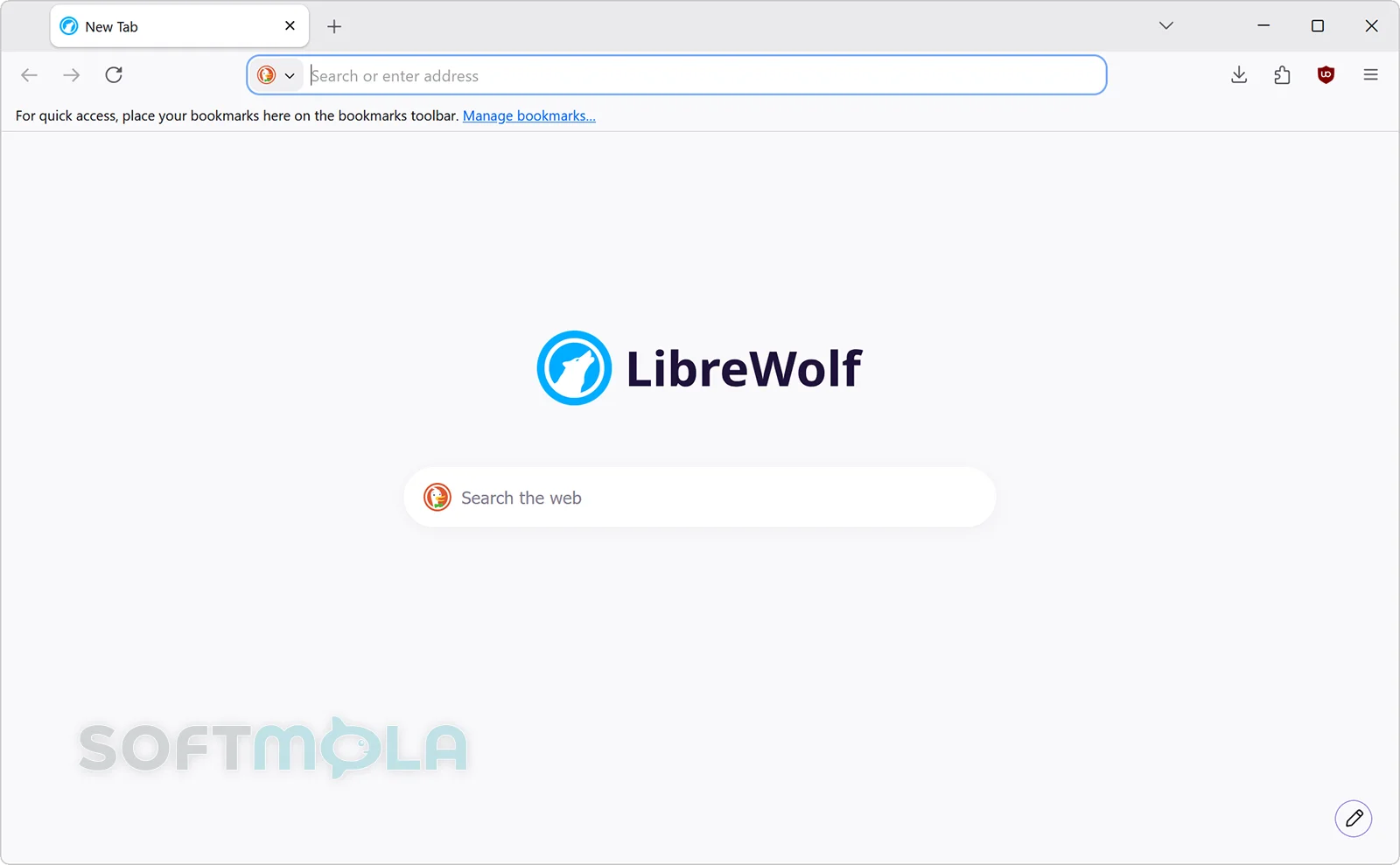
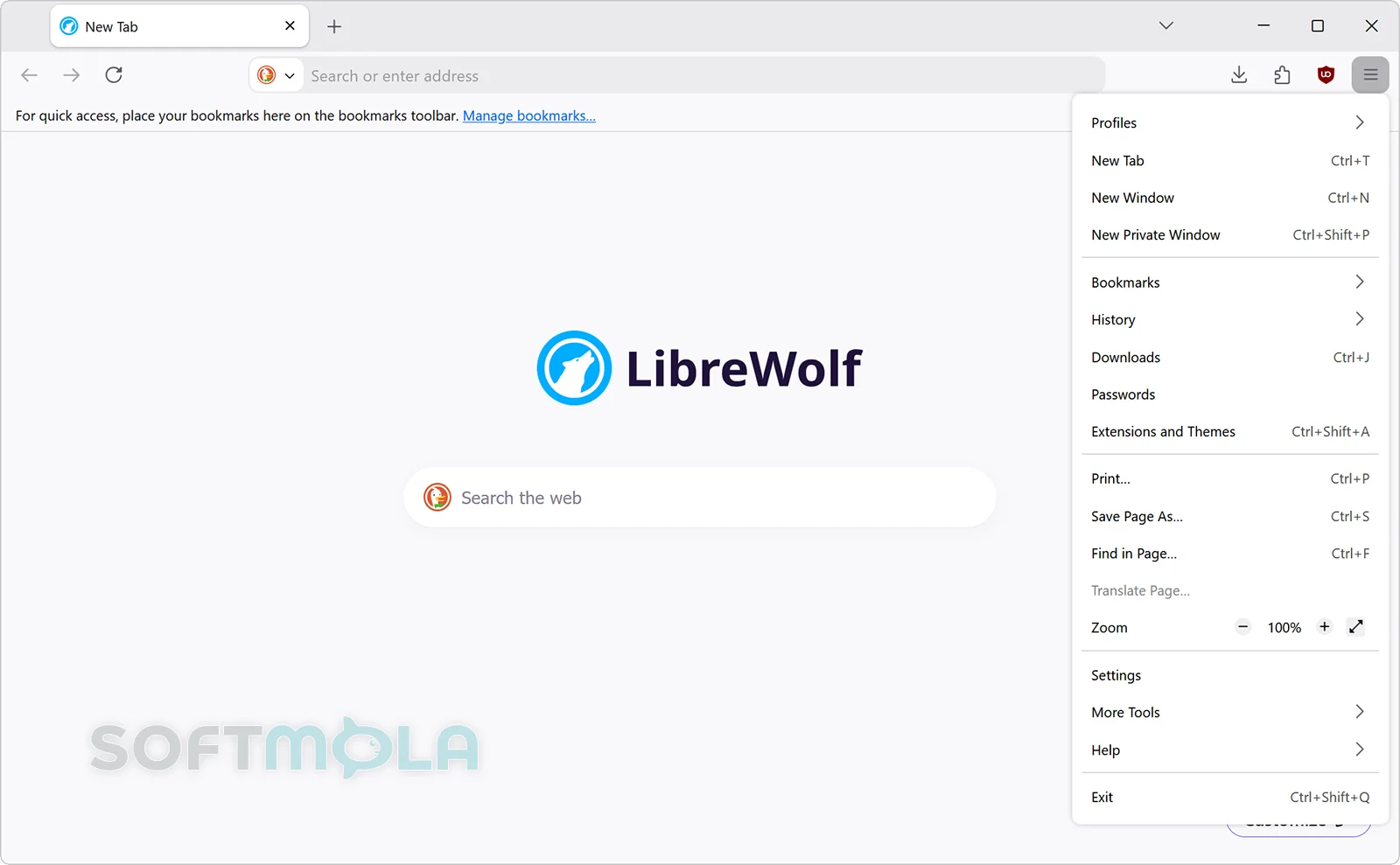
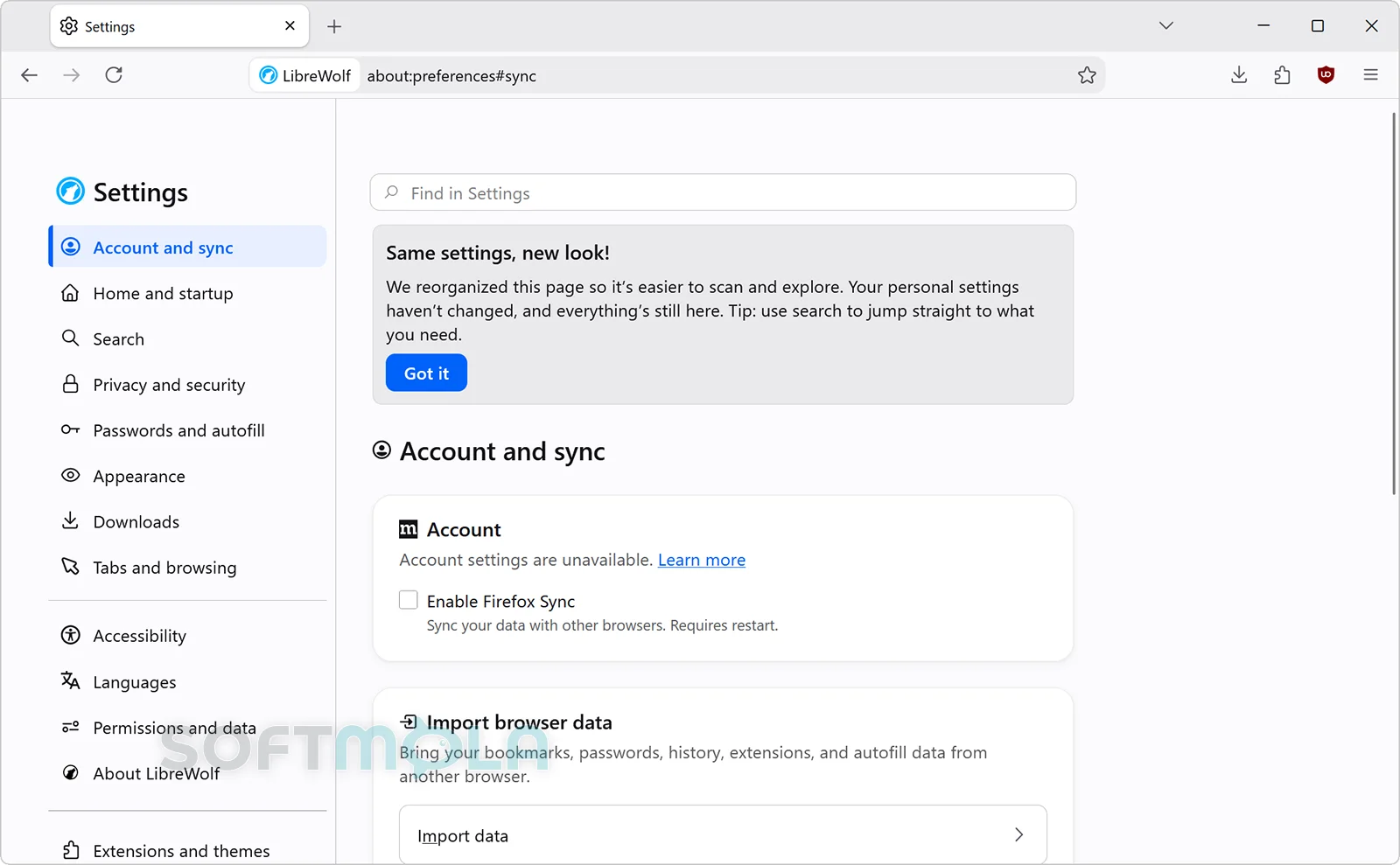
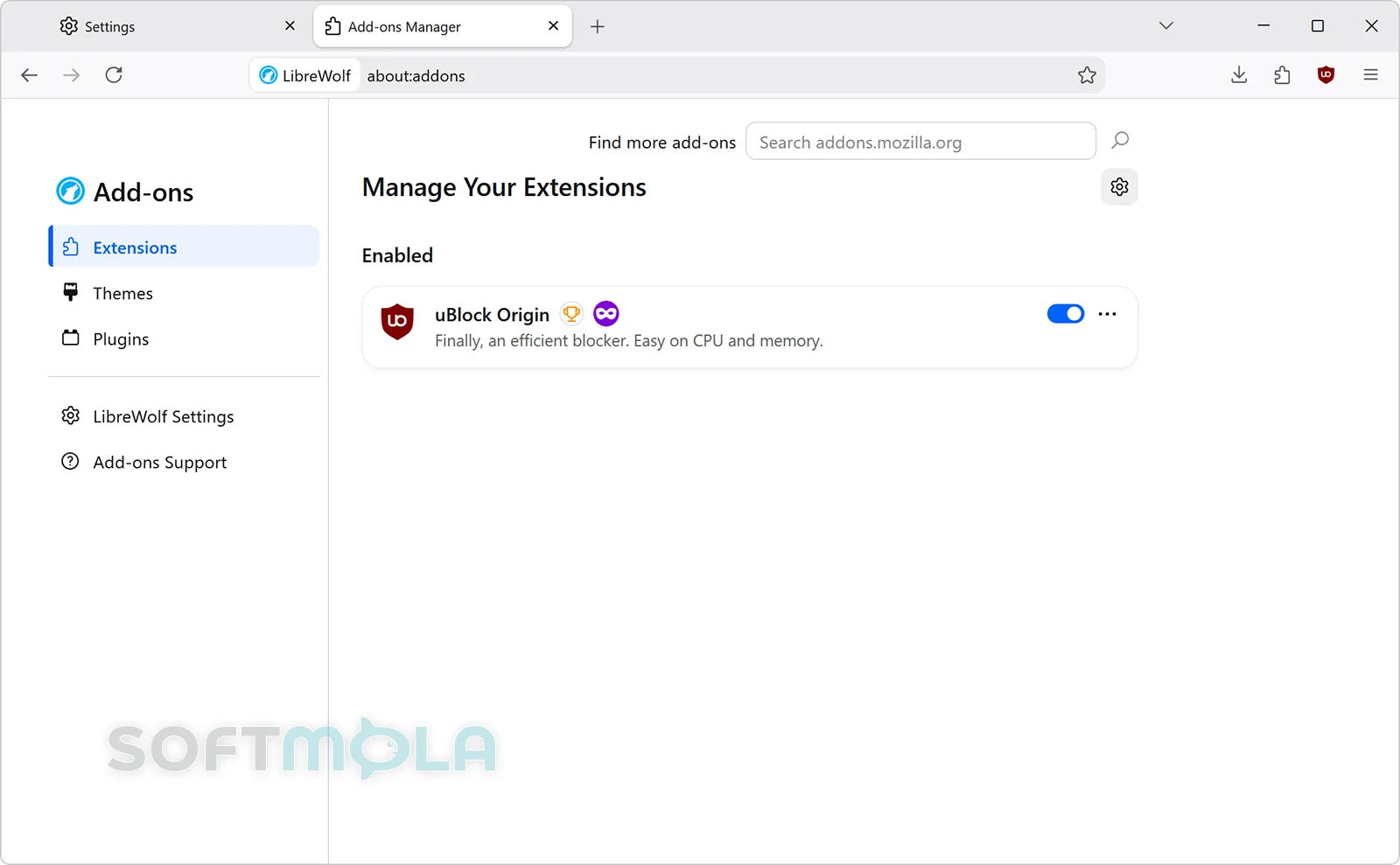
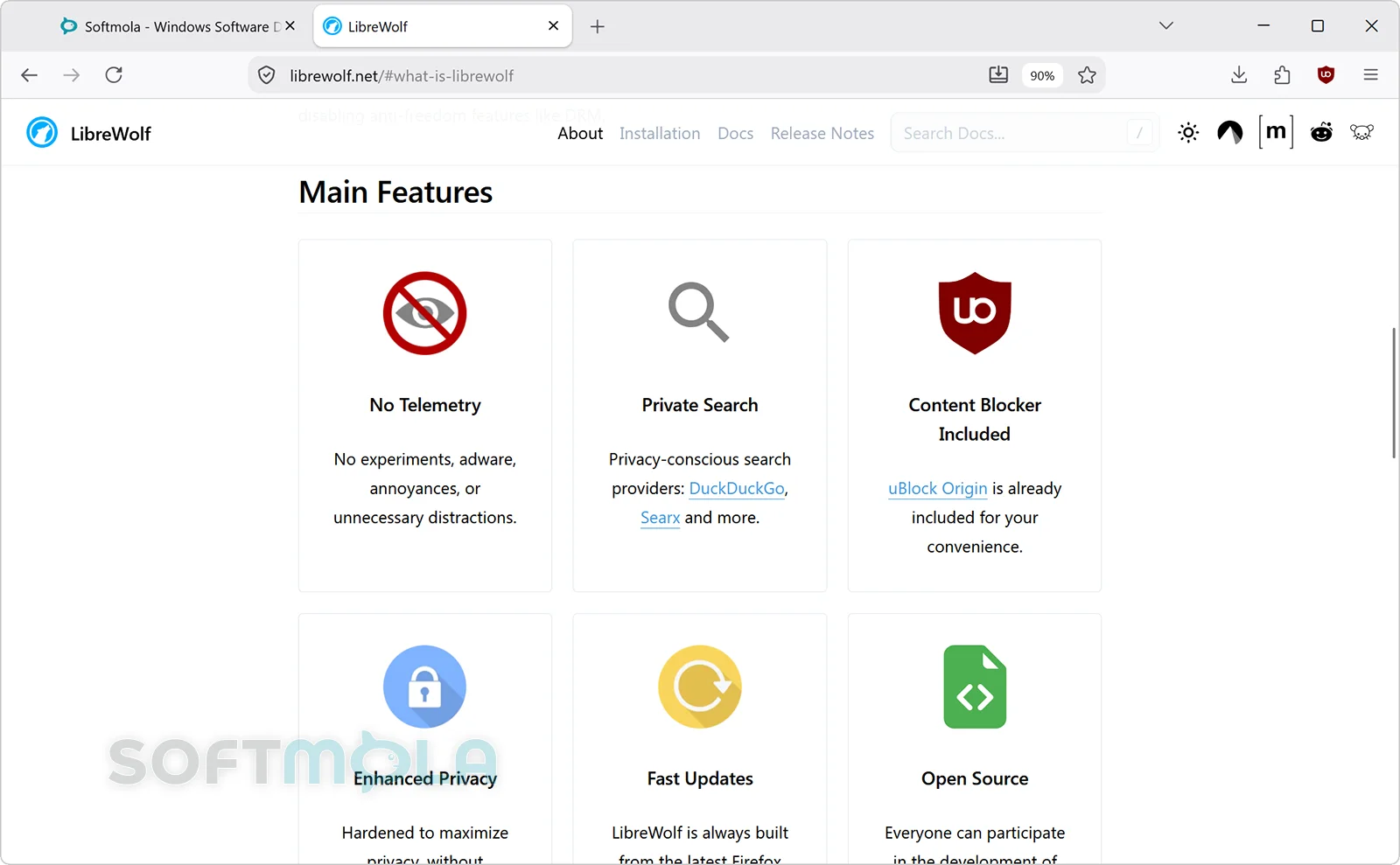

Table of Contents
LibreWolf is a free, open-source web browser built from Firefox with a stronger emphasis on privacy, security, and user control. Rather than asking users to configure dozens of Firefox preferences themselves, it ships with many privacy-oriented settings already enabled, removes Mozilla telemetry, includes uBlock Origin, and applies additional protections against tracking and browser fingerprinting. The project remains independent from Mozilla, even though it follows the Firefox codebase closely.
For Windows users, LibreWolf offers a familiar Firefox-style browsing experience without many of the data-collection features and recommendations found in mainstream browsers. Official Windows builds are available as standard installers, Microsoft Store packages, and portable versions, with both x86-64 and ARM64 builds currently provided.
The trade-off is that LibreWolf's stricter defaults can occasionally require extra configuration. Features such as WebGL, DRM playback, Firefox Sync, and the built-in password manager are disabled or restricted by default. That makes LibreWolf particularly appealing to privacy-conscious users who are willing to accept occasional website adjustments in exchange for tighter control over their browser.
LibreWolf Review
LibreWolf takes an unusual approach to the privacy-browser category. It does not attempt to reinvent the browser interface or create an entirely new rendering engine. Instead, it uses current Firefox releases as its foundation and changes the defaults in areas where the LibreWolf project considers mainstream browser settings too permissive. The result feels immediately familiar to anyone who has used Firefox, while behaving more conservatively behind the scenes. The project states that it tracks current stable Firefox releases so that upstream security patches and browser improvements can be incorporated promptly.
Privacy protection begins with the browser's default configuration. LibreWolf enables Firefox's strict Enhanced Tracking Protection, Total Cookie Protection—also known as dynamic First-Party Isolation or dFPI—and Resist Fingerprinting. It also strips tracking parameters from URLs and includes uBlock Origin with customized filter lists. Together, these measures reduce several common ways advertising and analytics systems can follow activity between websites.
The absence of built-in telemetry is another important distinction. LibreWolf says that its browser and website do not collect user data through LibreWolf-operated infrastructure. Its privacy policy does make an important qualification: the project cannot guarantee that the browser will never communicate with Mozilla or other third parties. Some network connections remain necessary for functions such as security information and blocking-list updates. That distinction matters because a privacy-oriented browser should not be confused with a browser that never connects to external services at all.
LibreWolf also applies more aggressive anti-fingerprinting measures than a typical Firefox installation. Resist Fingerprinting attempts to reduce the amount of distinguishing information websites can obtain about the browser and device. The browser reports a standardized language to websites and restricts several other characteristics that could contribute to a unique browser fingerprint. WebGL is disabled by default because the project regards it as a significant fingerprinting surface. Users can allow it when a site or web application genuinely needs hardware-accelerated graphics.
These choices explain both LibreWolf's appeal and its main limitation. Stronger defaults reduce the amount of privacy configuration required after installation, but they can also expose compatibility issues that rarely appear in a standard browser. Interactive maps, browser-based graphical applications, photo editors, or video-conferencing services may need WebGL or other permissions. Streaming services present another example. DRM-controlled playback is disabled by default, although LibreWolf provides a setting to enable DRM when required. Services that depend on DRM may therefore need a deliberate exception before protected video or audio will play.
Security defaults receive similar attention. LibreWolf enables HTTPS-Only Mode, uses stricter TLS-related settings, asks for user interaction when choosing where downloads are saved, and follows upstream Firefox releases for security fixes. One notable difference is Google Safe Browsing: LibreWolf disables it by default. The project's own documentation acknowledges that Safe Browsing is a useful security feature and says less technical users may reasonably choose to enable it. This is an important trade-off rather than an automatic advantage. Users who value phishing and malicious-site reputation checks may prefer to restore that protection.
Everyday convenience is also treated cautiously. Search suggestions, form autofill, search and form history, speculative connections, and several recommendation features are disabled by default. Firefox Sync is available but must be explicitly enabled, while the built-in password manager is disabled because the LibreWolf project recommends using a dedicated password manager instead.
Windows support is practical rather than experimental. The official site currently distributes regular installers and portable packages for x86-64 and ARM64 Windows systems. A Microsoft Store version is also available and benefits from Store-managed updates. Users installing the standalone edition can optionally use LibreWolf WinUpdater to schedule automatic update checks. Keeping that mechanism active is especially important for a browser, since privacy hardening cannot compensate for running outdated browser code.
LibreWolf therefore makes the most sense for people who want Firefox's engine and extension ecosystem but prefer privacy-oriented defaults from the first launch. Users who depend heavily on maximum website compatibility, integrated browser services, automatic personalization, or seamless DRM streaming may find regular Firefox or another mainstream browser more convenient. LibreWolf is not an anonymity tool either: its documentation specifically notes that it does not hide a user's public IP address and recommends Tor Browser when anonymity is the goal.
Key Features of LibreWolf
Privacy-Hardened Firefox Foundation
LibreWolf is built from Firefox rather than from Chromium, giving Windows users access to Mozilla's Gecko browser engine while applying a substantially different default configuration. The project removes telemetry and several recommendation or experimentation systems while retaining the core browser technologies required for modern web compatibility.
This approach is useful for people who like Firefox but do not want to research and maintain a long list of privacy preferences manually. Advanced users can still adjust LibreWolf-specific settings and overrides, but meaningful protection is already active after installation.
uBlock Origin and Strict Tracking Protection
uBlock Origin is included with LibreWolf rather than requiring a separate installation. The browser also runs Enhanced Tracking Protection in strict mode and uses additional filtering intended to reduce advertising, tracking scripts, and tracking information embedded in URLs.
This combination provides broader protection than relying on a basic ad blocker alone. It also means users should be careful about adding many additional privacy extensions. LibreWolf itself advises keeping the extension setup relatively small because every extra add-on can increase the attack surface and may make a browser configuration more distinctive.
Total Cookie Protection and Anti-Fingerprinting
LibreWolf enables dFPI, Firefox's Total Cookie Protection technology, to partition website data and limit cross-site tracking. It complements this with Resist Fingerprinting and several privacy-oriented adjustments to browser-exposed information.
These protections are particularly useful against tracking techniques that do not depend solely on conventional third-party cookies. They are also a reason some aspects of LibreWolf can behave differently from a default Firefox installation, especially on websites that depend heavily on detailed browser or graphics information.
Container Tabs
LibreWolf also supports Firefox's container-tab technology. Containers can keep website data separated between different browsing contexts, making it possible to maintain distinct Work, Personal, Banking, Shopping, or other sessions inside the same browser window. For example, two accounts on the same service can be opened in separate containers without repeatedly signing in and out. Firefox isolates site storage between those containers.
This feature should not be confused with LibreWolf's default cookie partitioning. LibreWolf's documentation notes that dFPI already provides substantial cross-site isolation, so containers are less necessary purely for blocking third-party tracking. They remain valuable when users intentionally want separate identities or multiple sessions on the same website. The Firefox Multi-Account Containers extension can add functions such as site assignments and additional container management.
HTTPS-Only and Stricter Security Defaults
HTTPS-Only Mode is enabled by default, encouraging encrypted connections whenever websites support them. LibreWolf also applies stricter TLS-related rules and several additional security preferences inherited from its hardened configuration.
These protections do not make unsafe websites harmless, and LibreWolf should not be treated as a replacement for Windows security updates, sensible download habits, or endpoint protection. They instead reduce several unnecessary risks at the browser level.
Controlled DRM and WebGL Access
LibreWolf deliberately disables some commonly enabled browser technologies because of their privacy or fingerprinting implications. WebGL is restricted by default, while DRM-controlled media playback is initially disabled. Both can be enabled when required.
That flexibility is important in daily use. Someone who rarely watches protected streaming content can leave DRM disabled, while a user who needs Netflix, Disney+, Spotify, or another DRM-dependent service can permit the necessary functionality. Similarly, WebGL can be enabled when an interactive application fails without it rather than remaining broadly available by default.
Multiple Windows Distribution Options
LibreWolf for Windows is available through a conventional installer, the Microsoft Store, and a portable package. The official Windows downloads currently include x86-64 and ARM64 builds, giving users more choice across traditional PCs and newer Windows-on-ARM hardware.
The portable edition is useful when installing software at system level is undesirable or unavailable, while the Microsoft Store package offers straightforward system-managed updating. Standalone installations can use the project's WinUpdater, making it practical to keep the browser aligned with ongoing Firefox security releases.
LibreWolf is a strong option for Windows users who want a Firefox-based browser with tracking resistance, anti-fingerprinting measures, content blocking, and restrained data collection already configured. Its support for Container Tabs adds useful separation for multiple accounts and browsing identities, while its Windows installer, portable edition, ARM64 build, and Microsoft Store availability make it viable as an everyday desktop browser. The stricter defaults can occasionally require adjustments for DRM, WebGL, Sync, or particular websites, but users who value privacy control more than maximum out-of-the-box convenience will find LibreWolf one of the more focused alternatives to a standard browser installation.
How to Download and Install LibreWolf on Windows
LibreWolf provides several official Windows distribution methods. Most users can choose the standard installer or Microsoft Store version, while an official portable package is available when a traditional installation is unnecessary. The current download page provides separate x86-64 and ARM64 builds.
How to Download LibreWolf
Select the Download for Windows button on this page.
Continue to the verified LibreWolf download source.
Choose the Windows installer that matches your PC architecture: x86-64 for conventional 64-bit Intel or AMD systems, or ARM64 for compatible Windows-on-ARM devices.
Save the installer to a folder you can easily access.
Wait for the download to finish before opening the file.
LibreWolf's official Windows downloads also include a Microsoft Store package and portable builds, so you can use one of those methods instead if it better suits your setup.
How to Install LibreWolf
Open the LibreWolf installer you downloaded.
If Windows displays a User Account Control prompt, check that the publisher information matches the expected signed LibreWolf package before allowing it to continue. Current official Windows binaries use OSSign for code signing.
Review the available installation options.
If you want the standalone installation to check for updates automatically, enable the Schedule Automatic Updates option for LibreWolf WinUpdater during setup.
Complete the installation and launch LibreWolf.
The WinUpdater component can also be configured later. Keeping the browser current is important because LibreWolf follows Firefox releases and incorporates upstream security fixes into new builds.
Getting Started with LibreWolf
Check your privacy settings before changing defaults. LibreWolf arrives with strict Enhanced Tracking Protection, anti-fingerprinting measures, and uBlock Origin already configured.
Enable Firefox Sync only if you need it. Sync is optional and can be turned on through LibreWolf's settings.
Allow WebGL only for sites that require it. LibreWolf supports site-specific WebGL permission handling, which can help maintain stricter defaults elsewhere.
Enable DRM only when necessary. Protected streaming services may require DRM support, which LibreWolf leaves disabled by default.
Keep LibreWolf updated. Use Microsoft Store updates, LibreWolf WinUpdater, or another officially supported update method so the browser continues receiving current Firefox-based security fixes.
LibreWolf Pros & Cons
- Strong privacy defaults: LibreWolf enables privacy-oriented settings intended to reduce tracking and browser fingerprinting without requiring extensive manual configuration.
- uBlock Origin included: The browser ships with uBlock Origin and customized filter lists, providing content and tracker blocking from the start.
- No LibreWolf telemetry: The project states that it removes Firefox telemetry and does not operate infrastructure for collecting LibreWolf user data.
- Free and open source: LibreWolf's source code is published under the Mozilla Public License 2.0 and the project is community driven.
- Flexible Windows distribution: Users can choose the regular installer, Microsoft Store package, portable release, or supported package managers.
- Fast Firefox - based updates: The project aims to follow stable Firefox releases closely so upstream security fixes and browser improvements can reach LibreWolf users quickly.
- Some websites may need exceptions: Privacy restrictions around WebGL, DRM, fingerprinting surfaces, and other browser capabilities can require adjustments for certain web apps or streaming services.
- Google Safe Browsing is disabled by default: LibreWolf does not provide Google's standard Safe Browsing protection in its default configuration, although the project acknowledges that the technology can offer useful additional security.
- Automatic updating depends on the installation method: The Microsoft Store manages updates automatically, while the standalone Windows installer can use the optional LibreWolf WinUpdater.
- Some conveniences are disabled initially: DRM playback and the built-in password manager are disabled by default, while Firefox Sync must be enabled if you want to use it.
Frequently Asked Questions
Is LibreWolf free?
Yes. LibreWolf is an open-source browser, and its source code is licensed under the Mozilla Public License 2.0. The official project provides Windows builds without requiring a paid browser subscription.
Is LibreWolf safe to download?
LibreWolf should be downloaded through its official distribution channels rather than unofficial mirrors or modified installers. The project's current Windows binaries are digitally signed through OSSign, with the verified publisher shown as OSSign (Scheibling Consulting AB). No browser can guarantee complete protection, so keeping LibreWolf and Windows updated remains important.
Does LibreWolf work on Windows?
Yes. LibreWolf provides official Windows releases, including x86-64 and ARM64 installers. The project also distributes a Microsoft Store package and portable builds for both supported architectures.
Do I need an account to use LibreWolf?
No account is required for ordinary browsing. LibreWolf can be installed and used as a standalone browser without signing in. Firefox Sync is optional and can be enabled if you want synchronized bookmarks, history, or other supported browser data across installations.
Does LibreWolf support Container Tabs?
Yes. Because LibreWolf is based on Firefox, it can use Firefox container functionality and compatible container extensions. Containers are particularly useful for separating multiple identities or accounts on the same website. LibreWolf also enables dynamic First-Party Isolation through strict Enhanced Tracking Protection, so containers are not required simply to obtain basic cross-site cookie partitioning.
Can LibreWolf play Netflix and other DRM-protected streaming services?
It can, but DRM playback is disabled by default. LibreWolf allows users to enable Digital Rights Management support from the browser settings when a streaming service requires it. The project recommends allowing DRM only where it is necessary because DRM components can expose additional system information and increase the browser's attack surface.
Does LibreWolf hide my IP address?
No. LibreWolf provides browser-level privacy protections, but it does not conceal your public IP address. The project's documentation recommends using an appropriate VPN when IP-address privacy is required and Tor Browser rather than LibreWolf when anonymity through the Tor network is the goal.