

Brave Browser for Windows
Free, open-source Chromium browser that blocks ads, trackers, and fingerprinting by default on Windows.
Software Information
Recommended: 64-bit Available: ARM64
Brave Browser Screenshots
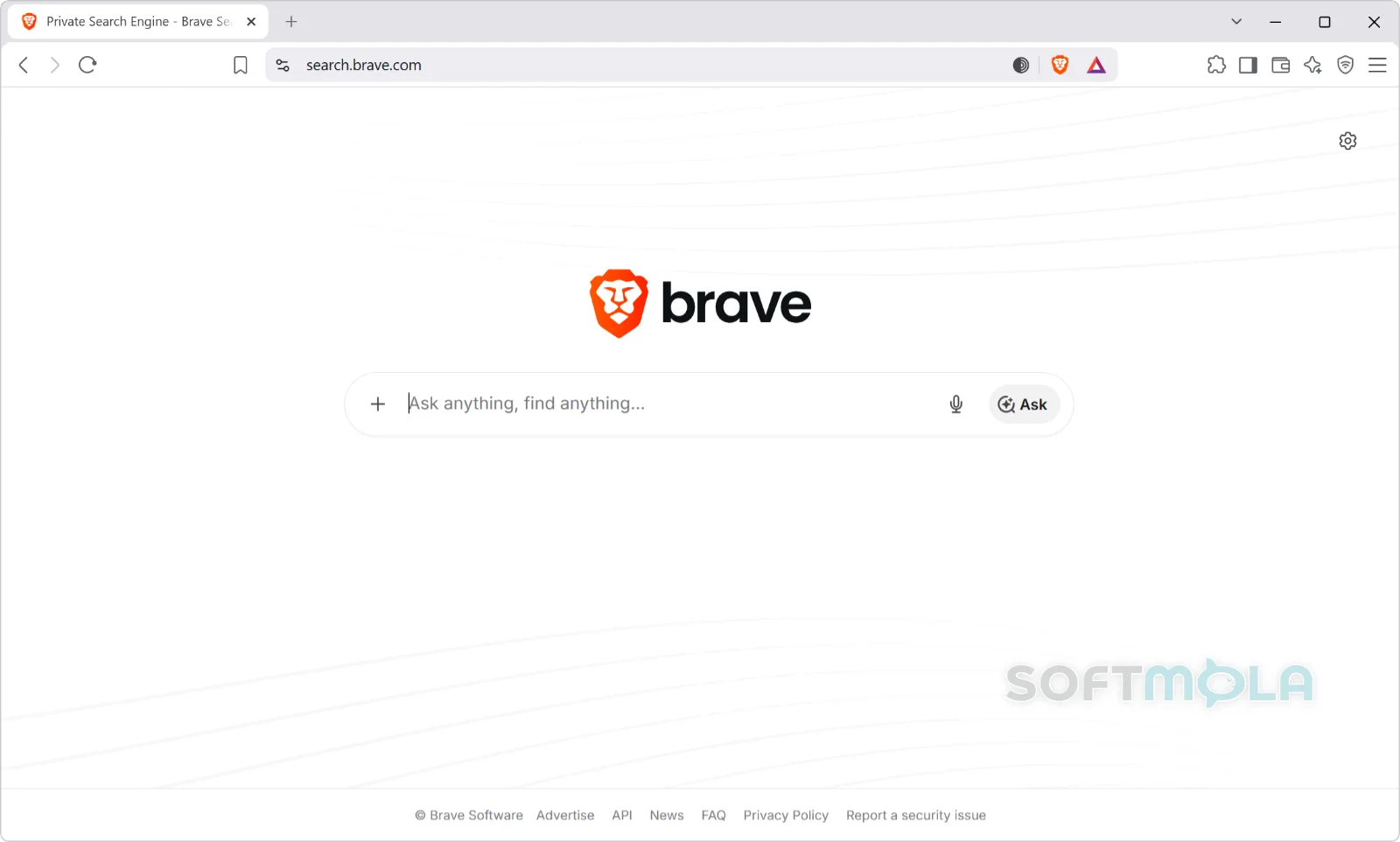
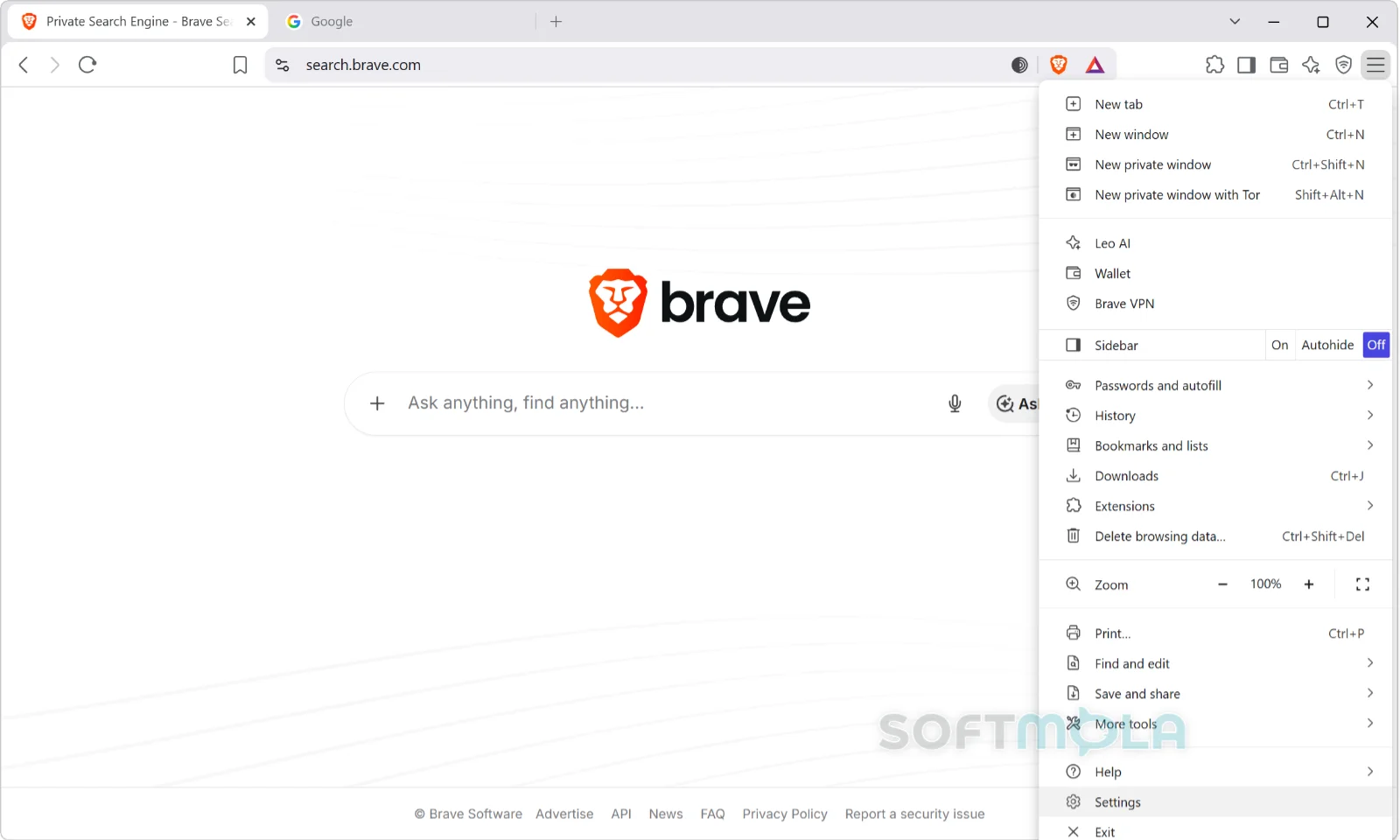
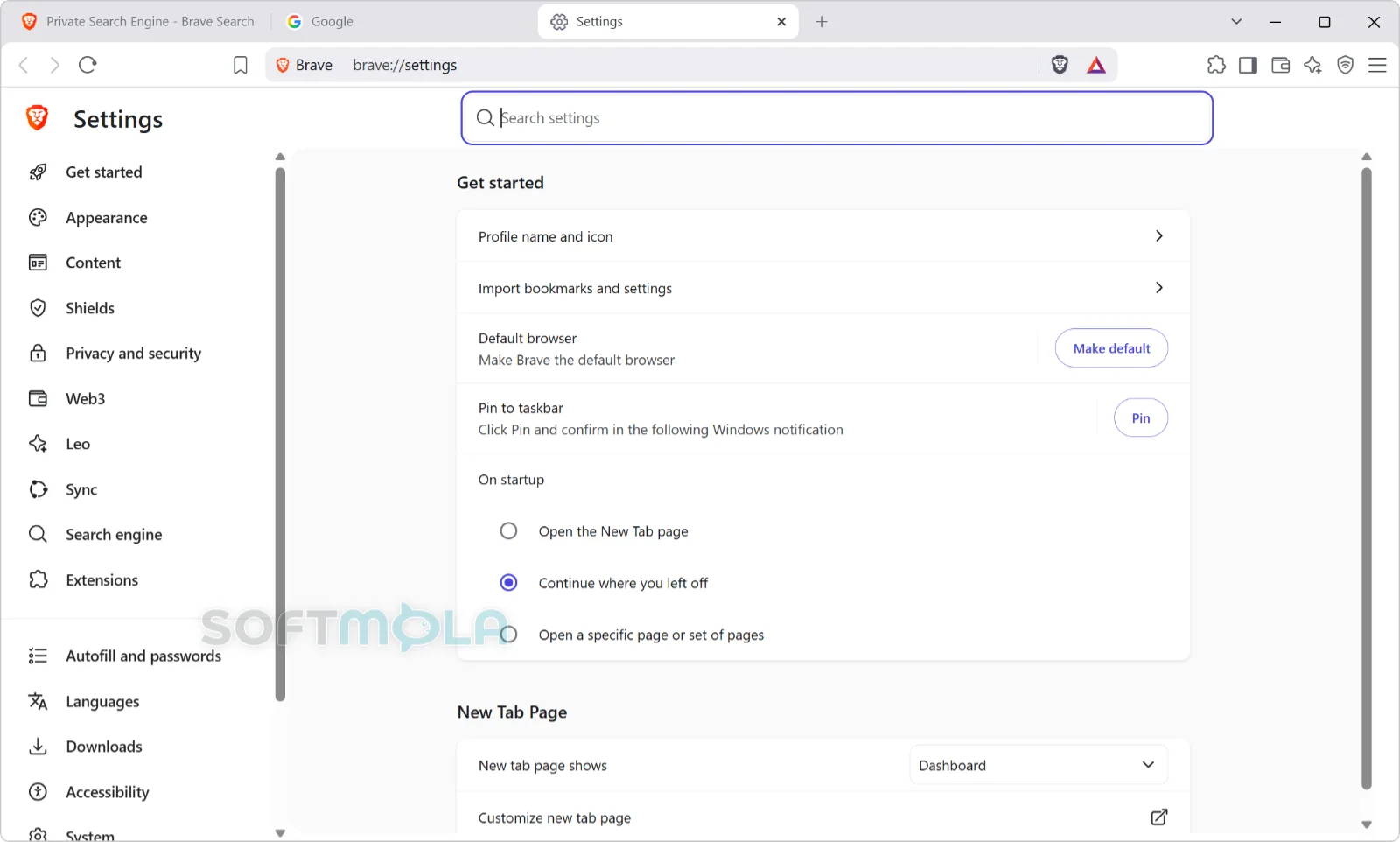
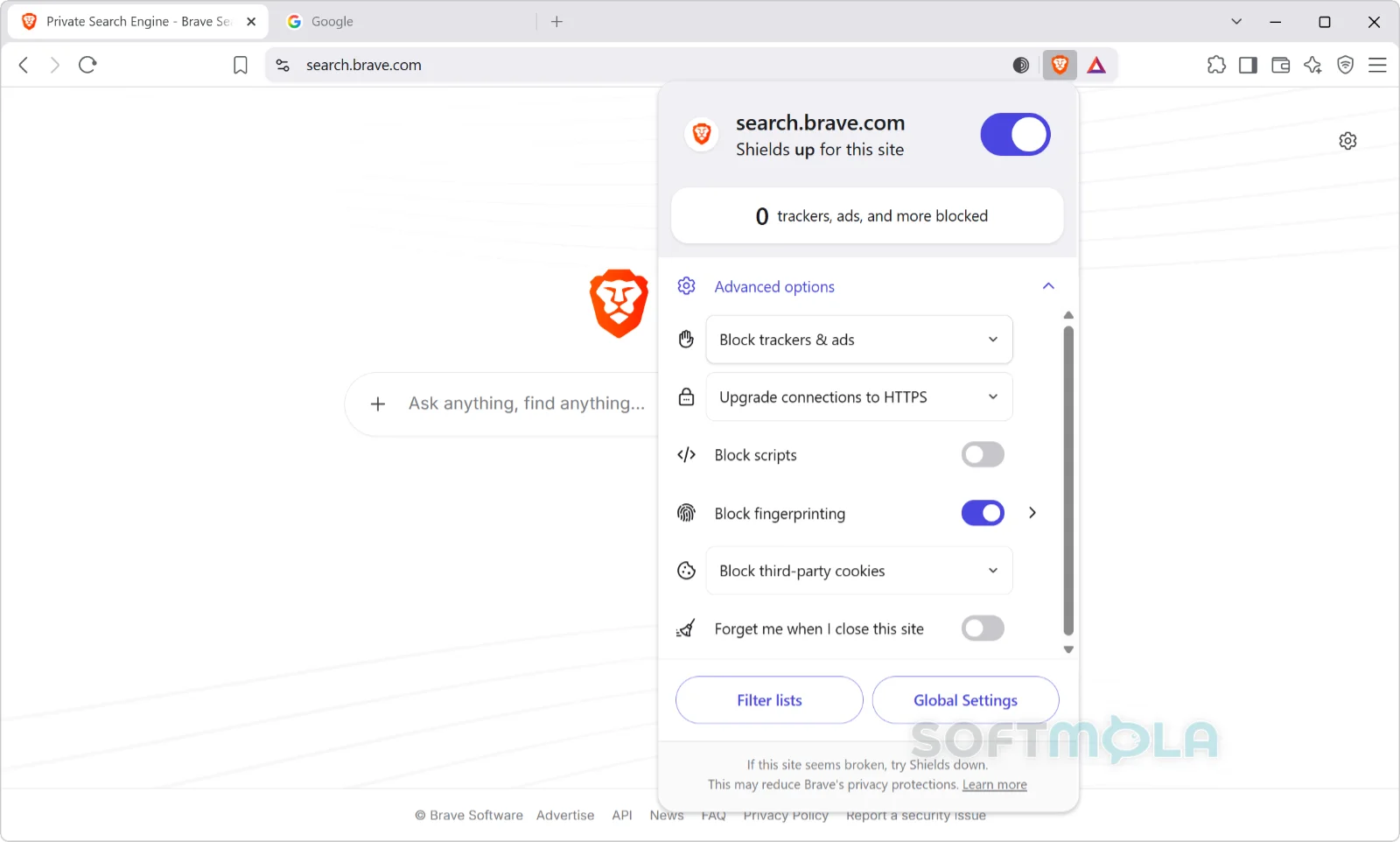
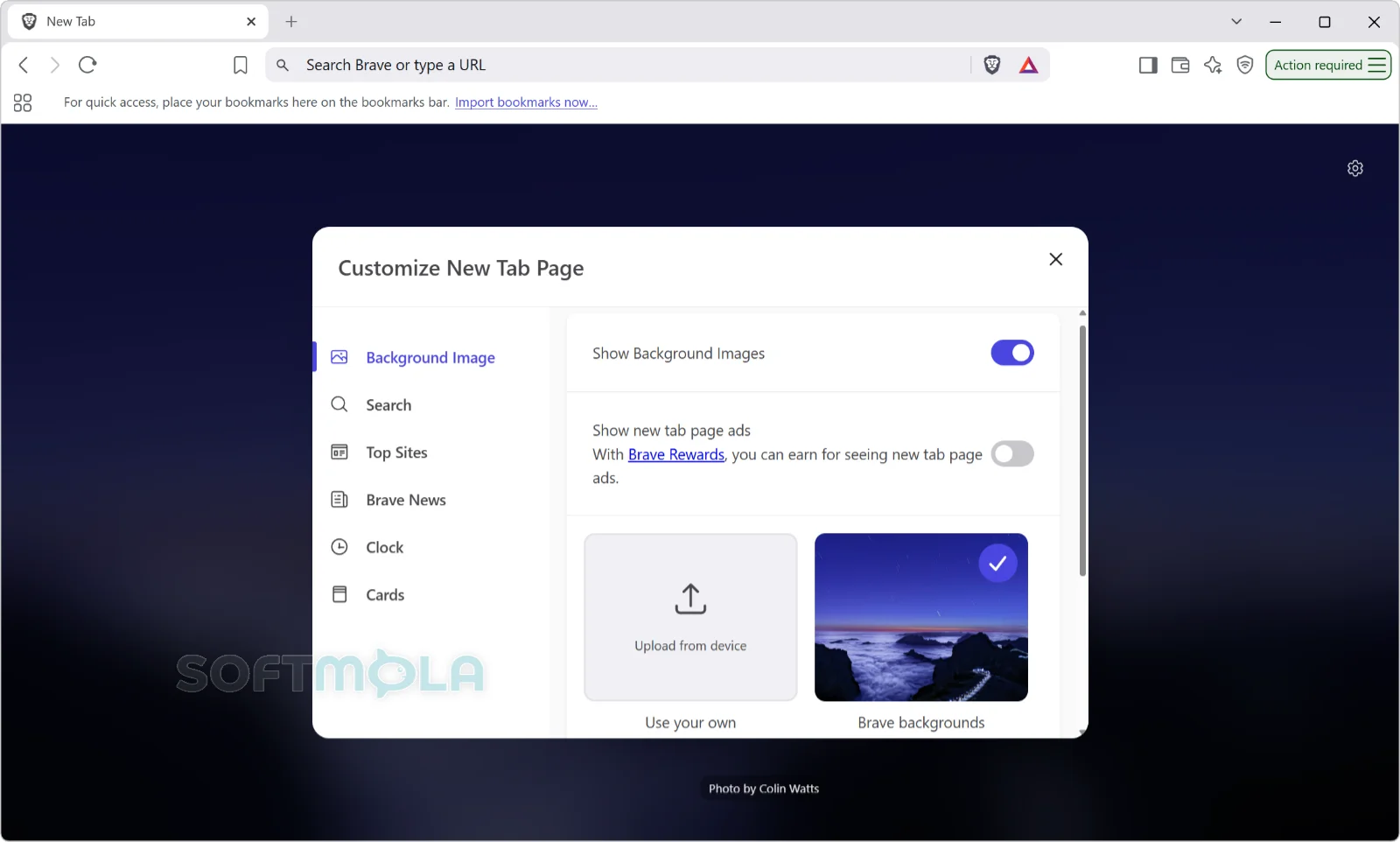
Table of Contents
Brave Browser for Windows is a free, open-source browser built on Chromium — the same engine behind Chrome and Edge — but configured around a different default. Instead of loading ads and trackers and leaving you to install extensions that clean up afterwards, Brave blocks most of them before the page finishes rendering. Everything else about it will feel familiar: the same tab behaviour, the same address bar, the same extension format, the same rendering of sites that were built and tested for Chrome.
The browser is developed by Brave Software, Inc., a San Francisco company co-founded by Brendan Eich, who created JavaScript and previously led Mozilla. Brave was first released in 2016 and has grown into a full ecosystem that now includes its own search index, a built-in AI assistant, and a paid VPN. Brave reports more than 115 million users worldwide across desktop and mobile. On Windows, it requires Windows 10 or later and a 64-bit Intel or AMD processor, or an ARM64 chip.
It's a sensible fit for anyone who wants meaningful tracking protection without the maintenance work of a hardened Firefox profile or a stack of privacy extensions. It's a less obvious fit if you dislike bundled features, because Brave ships with a lot of them — a point the company has itself acknowledged, and recently responded to.
Brave Browser Review
The install experience on Windows is short and uneventful. The installer is small, the browser pulls in the rest of what it needs, and the first-run flow offers to import bookmarks, history, and saved passwords from Chrome, Edge, or Firefox. Onboarding walks through Shields, Rewards, and the Leo assistant, and can be skipped in a couple of clicks. Within a minute or two you have a working browser with your existing profile intact, which matters more than it sounds — the main practical barrier to switching browsers is rarely the software, it's the accumulated state.
Brave Shields is the reason most people install it. The blocking runs natively in the browser rather than through an extension, using the same open community filter lists that power well-known ad blockers, plus Brave's own rules. Pages that would otherwise carry a dozen third-party requests load noticeably leaner, and the effect is most visible on ad-heavy news sites and on metered or slow connections. Shields also partitions site storage, so third-party resources embedded across different sites can't share state to follow you around.
Aggressive blocking has a well-known cost: some sites break. Brave handles this reasonably by putting a Shields toggle directly next to the address bar, where you can drop protection to a lower setting or disable scripts blocking for a single site without touching your global configuration. It's a two-click fix rather than a settings expedition. Even so, if you use a lot of enterprise portals, banking sites, or older internal web apps, expect to make a few per-site exceptions during your first weeks.
The wider criticism of Brave has less to do with blocking quality than with scope. Over the years the browser has accumulated a news feed, a video calling tool, a crypto wallet, an opt-in advertising and token rewards system, and an AI assistant. All of it can be hidden or turned off, and the crypto components are off by default, but the perception of clutter persisted. Brave's answer, released in June 2026, is Brave Origin — a paid version that either strips those features out of the build entirely or hides them behind a settings panel with everything toggled off. It's an unusual arrangement: a one-time payment to receive less software. It also implicitly concedes that the free browser carries more than some users want.
Extension support is a genuine differentiator right now. As Chromium's Manifest V3 transition has removed the older extension format that full-featured content blockers depend on, Brave has kept serving a small set of Manifest V2 privacy extensions — uBlock Origin, AdGuard, NoScript, and uMatrix — from its own servers. Brave describes this as best-effort support, and a mid-2026 beta build briefly disabled it, so it shouldn't be treated as a permanent guarantee. Shields itself is unaffected by the manifest changes, since it isn't an extension.
Privacy-wise, Brave's defaults are strong, and the company publishes its blocking work openly under an open-source licence. That said, no browser makes you anonymous, and Brave doesn't claim otherwise. Its own documentation is candid that the Leo assistant can produce inaccurate answers, and that features like the VPN are separate paid services rather than built-in guarantees.
Brave suits people who want a Chrome-compatible browser with tracking protection working out of the box and are comfortable ignoring the parts they don't need. If you want a browser that ships with almost nothing, Origin or a minimal Firefox setup will suit you better. If you need genuine anonymity against a capable adversary, that remains the Tor Browser's job, not Brave's.
Key Features of Brave Browser
Brave Shields
Shields is the built-in blocking engine, active from the moment you install. It blocks third-party ads and trackers, upgrades connections to HTTPS where possible, and isolates site storage so embedded resources can't build a cross-site profile of your browsing.
Because it runs inside the browser rather than as an add-on, Shields survives extension-platform changes and doesn't need configuring. The per-site panel shows what was blocked on the current page and lets you relax protection when a site misbehaves.
Fingerprinting Protection
Beyond blocking requests, Brave interferes with browser fingerprinting — the practice of identifying a device by its unique combination of fonts, screen properties, and hardware characteristics. Rather than blocking these signals outright, which is itself distinctive, Brave randomises or generalises them.
Version 1.93, released in August 2026, extended this to graphics fingerprinting by de-identifying the GPU and driver strings that websites can read and adding noise to the reported list of supported graphics extensions.
Containers for Separating Accounts and Workflows
Containers arrived on desktop with version 1.92 in July 2026. They let you isolate tabs so cookies and storage aren't shared between them, which means you can stay signed into two accounts on the same site at once, or keep work and personal sessions cleanly apart.
You enable them in settings, then right-click any tab and choose a container. It's a workflow convenience more than a privacy feature — Brave's storage partitioning already handles cross-site tracking — but it removes the need for a separate extension or a second browser profile.
Chromium Compatibility and Extension Support
Brave renders pages using the same engine as Chrome, so site compatibility is effectively identical and Chrome Web Store extensions install normally. For Windows users moving from Chrome or Edge, this is the least disruptive part of the switch.
Brave also maintains its own channel for a handful of Manifest V2 privacy extensions that Chrome no longer supports. This is useful if you rely on uBlock Origin's advanced filtering, though Brave has framed the support as lasting only as long as it remains feasible.
Leo, the Built-In AI Assistant
Leo is an assistant in the browser sidebar that can summarise a page, explain a PDF, draft text, or translate. It requires no account, and Brave states that conversations aren't retained or used for model training.
The free tier draws on models from Anthropic, Mistral, and Meta with usage limits; a premium subscription at $14.99 per month or $149.99 per year raises those limits. You can also point Leo at your own local or remote model. As Brave notes in its own documentation, Leo's answers can be wrong, so treat them as a starting point.
Private Windows with Tor
Alongside a standard private window, Brave offers a private window that routes traffic through the Tor network, hiding your IP address from the sites you visit and from your network provider.
It's genuinely useful for occasional sensitive lookups without installing separate software. It is not a substitute for the Tor Browser, which is hardened against fingerprinting and traffic analysis in ways a general-purpose browser isn't.
Brave Search, VPN, and Other Optional Services
Brave Search is the default search engine and runs on its own independent index rather than reselling Google or Bing results. It's free with ads; a $3 per month or $29.99 per year subscription removes them.
Brave VPN is a separate paid service at $9.99 per month or $99.99 per year, covering up to ten devices with a seven-day trial, and it protects the whole device rather than just browser traffic. Brave Rewards and Brave Wallet — the opt-in advertising, token, and crypto layer — remain off unless you deliberately switch them on.
Brave Origin: A Paid, Minimal Build
Origin is a $59.99 one-time purchase that gives you a minimalist Brave. On Windows you can install it as a standalone app, where features like Leo, News, Rewards, Wallet, Tor, VPN, Talk, and the analytics pings are compiled out of the build entirely, or apply it as an upgrade to your existing installation, where those features appear in a settings panel switched off by default.
One purchase covers all your devices, Linux users can get it free, and Brave offers a 30-day refund window. The regular free browser remains fully supported and unchanged, so Origin is worth considering only if a smaller, quieter build is something you'd actually pay for.
Brave earns its place for Windows users who want a Chrome-compatible browser that handles ad and tracker blocking properly without any setup, and who value that enough to live alongside features they may never use. The blocking is effective, the switching cost is close to zero, and the extension situation is currently better here than on most Chromium browsers. The trade-offs are real: occasional site breakage that needs a manual exception, an ecosystem that has grown broader than some people want, and paid tiers for the VPN, AI, and search extras. If those don't put you off — and if you're mainly looking to stop being tracked across ordinary browsing rather than to disappear entirely — Brave is a straightforward, low-risk browser to try on your Windows PC.
How to Download and Install Brave Browser on Windows
Brave is distributed as a standard Windows installer through Brave's official download page, and it's also listed in the Microsoft Store for anyone who prefers to install and update through Windows. Either route gets you the same browser. No account, licence key, or payment is required, and the download page detects your device and serves the correct build automatically.
How to Download Brave Browser
Select the download button on this page.
Continue to the verified download source for Windows.
Confirm that the publisher is listed as Brave Software, Inc. before saving the file.
Save the installer to a folder you can find easily, such as Downloads.
Wait for the download to finish before opening the file.
How to Install Brave Browser
Open the downloaded installer.
Select Yes if Windows displays a User Account Control prompt.
Wait for the installer to download the remaining components and complete setup. The installer is small and pulls in the full browser during this step, so an internet connection is required.
Open Brave when setup finishes.
Choose whether to import bookmarks, history, and saved passwords from Chrome, Edge, or Firefox when prompted.
Work through or skip the short introduction to Shields, Rewards, and Leo.
If you'd rather install through Windows, open the Brave Browser listing in the Microsoft Store, select Get, then launch the browser from the Start menu once it finishes installing.
Getting Started with Brave Browser
Set Brave as your default browser if you plan to use it day to day. Windows will prompt you, or you can change it under Settings, then Apps, then Default apps.
Check the Shields panel on a site you use often. The icon sits to the left of the address bar and shows what's being blocked; lower the setting for that site if something doesn't load correctly.
Turn on Containers if you manage multiple accounts on the same service. Open Settings, go to the Content section, and enable Containers, then right-click any tab to assign it to one.
Enable Manifest V2 extensions under Settings, then Extensions, if you rely on uBlock Origin or a similar advanced content blocker.
Review the feature toggles in settings and switch off anything you don't want — News, Rewards, Wallet, Talk, or Leo can all be hidden without affecting Shields.
Brave Browser Pros & Cons
- Ad and tracker blocking works immediately: Brave Shields is built into the browser and active from first launch, so there's nothing to install or configure before you get protection.
- Full Chromium compatibility: Sites render exactly as they do in Chrome, and Chrome Web Store extensions install normally, which keeps the switching cost close to zero.
- Continued Manifest V2 extension support: Brave still serves uBlock Origin, AdGuard, NoScript, and uMatrix from its own servers, a route no longer available in Chrome.
- Genuinely optional extras: Brave Rewards and Brave Wallet are off by default, and every bundled feature can be hidden or disabled from settings.
- Free and open source: The browser is released under the MPL 2.0 licence, and the blocking rules it uses are publicly viewable rather than proprietary.
- Occasional site breakage: Aggressive blocking can interfere with logins, embedded players, and some banking or workplace portals, requiring a per-site Shields adjustment.
- A broad feature set out of the box: News, Talk, Rewards, Wallet, and Leo all ship with the browser, and removing them entirely rather than hiding them requires the paid Origin build.
- Manifest V2 support isn't guaranteed: Brave frames it as lasting only as long as it remains feasible, and a mid-2026 beta build briefly disabled it.
- Key extras are paid subscriptions: The VPN, higher Leo limits, and ad-free search each cost extra, so the "all-in-one" impression the feature list gives is only partly accurate.
- Not an anonymity tool: Shields reduces tracking but does not hide your identity from your ISP or from sites you sign into, which the Tor private window only partly addresses.
Frequently Asked Questions
Is Brave Browser free?
Yes. The Brave browser is free to download and use on Windows, and it's open source under the Mozilla Public License 2.0. There's no trial period and no paid unlock for core browsing or for Brave Shields. Brave sells separate optional products — a VPN, a premium tier for the Leo AI assistant, ad-free Brave Search, and the Brave Origin build — but none of them are required, and the free browser remains fully supported.
Is Brave Browser safe to download?
Brave is developed by Brave Software, Inc., a US company, and the installer is signed by that publisher. Downloading from Brave's official site, the Microsoft Store listing, or a verified source reduces the risk of a modified installer. That said, no browser can guarantee protection against every threat. Brave blocks tracking and known malicious domains, but it doesn't replace antivirus software or make risky downloads safe.
Does Brave work on Windows 11 and Windows 10?
Yes. Brave's system requirements list Windows 10 or later, so both Windows 10 and Windows 11 are supported. It runs on 64-bit Intel and AMD processors that support SSE3, and on ARM64 devices such as Snapdragon-based Windows laptops. Windows 7 and 8.1 no longer receive Brave updates. The download page serves the correct build for your device automatically, so you don't need to pick an architecture manually.
Do I need an account to use Brave?
No. You can install Brave and use every core feature — including Shields, Containers, private windows, and the free tier of the Leo assistant — without creating an account or signing in. An account is only needed for paid products such as Brave VPN, Leo Premium, or Brave Origin, and for syncing bookmarks and settings across devices, which uses a code-based sync chain rather than a traditional login.
Can I use Chrome extensions in Brave?
Yes. Brave uses the same extension platform as Chrome, so extensions from the Chrome Web Store install and work normally. Brave also maintains its own channel for a small group of Manifest V2 privacy extensions — uBlock Origin, AdGuard, NoScript, and uMatrix — which you enable under Settings, then Extensions, then Manifest V2 extensions. Brave has said it will keep this working for as long as it's feasible, so it's best treated as a useful bonus rather than a permanent guarantee.
Does Brave include a built-in VPN?
Brave VPN is available in the browser, but it's a paid subscription rather than an included feature. It costs $9.99 per month or $99.99 per year, covers up to ten devices, and comes with a seven-day free trial. Unlike browser-based proxies, it protects traffic from your whole device, not just Brave. The browser works fully without it, and the VPN option can be hidden from the interface if you don't want it.
Do I have to use Brave Rewards or the crypto wallet?
No. Brave Rewards and Brave Wallet are opt-in and switched off by default, so you'll never see Brave's own ads or handle any cryptocurrency unless you deliberately enable them. You can also hide both features from the browser interface through settings. If you want them removed from the build entirely rather than just disabled, that's what the paid Brave Origin version does.
Does Brave make my browsing anonymous?
No, and Brave doesn't claim that it does. Shields blocks third-party trackers, blocks fingerprinting attempts, and partitions site storage, which meaningfully reduces how much of your activity is followed across the web. Your internet provider can still see which sites you connect to, and any site you sign into still knows who you are. The private window with Tor hides your IP address for occasional sensitive browsing, but the dedicated Tor Browser remains the stronger option for real anonymity.