
Affinity for Windows
Professional photo editing, vector design, and page layout in a single free Windows app from Canva.
Software Information
Recommended: 64-bit Available: ARM64
Affinity Screenshots
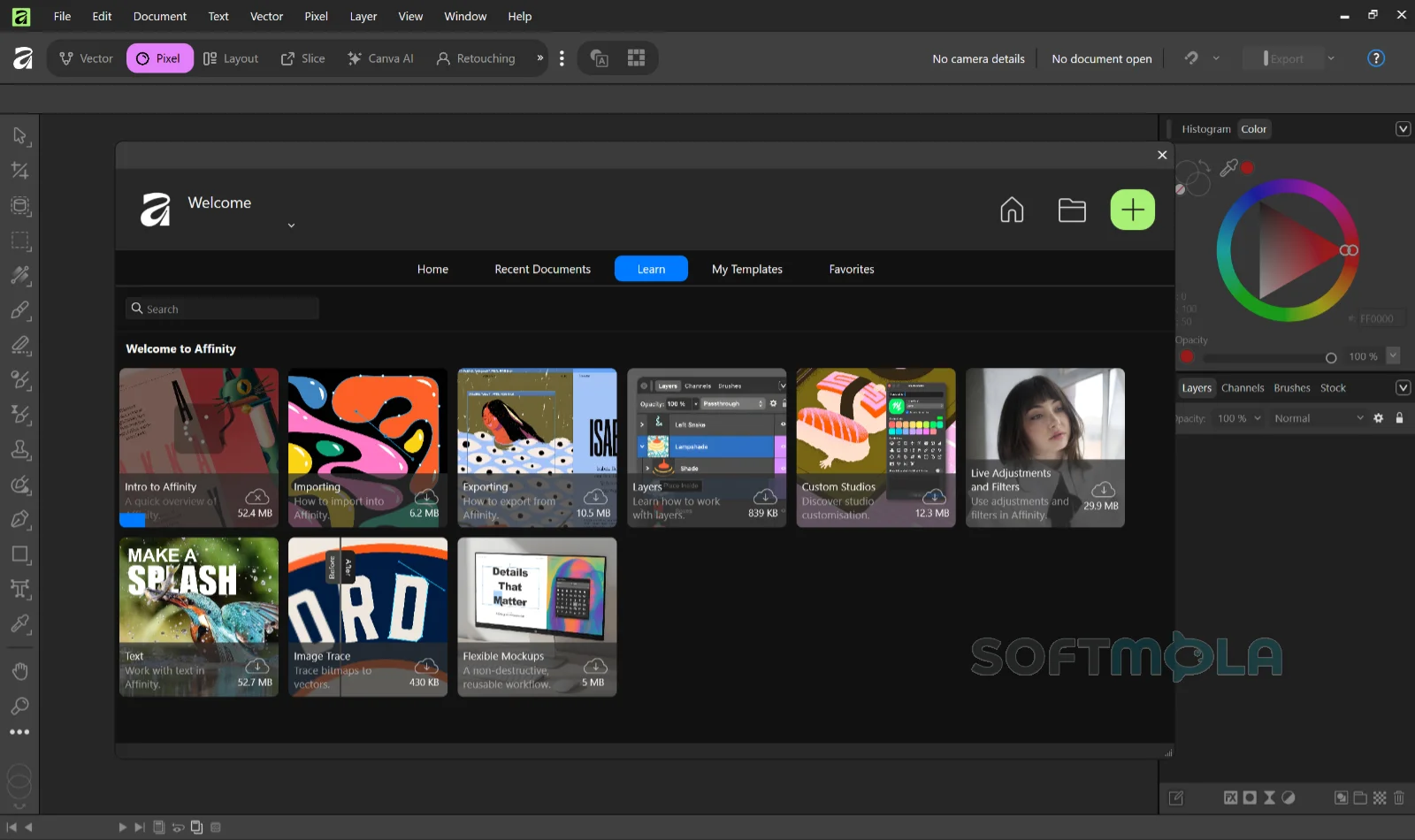
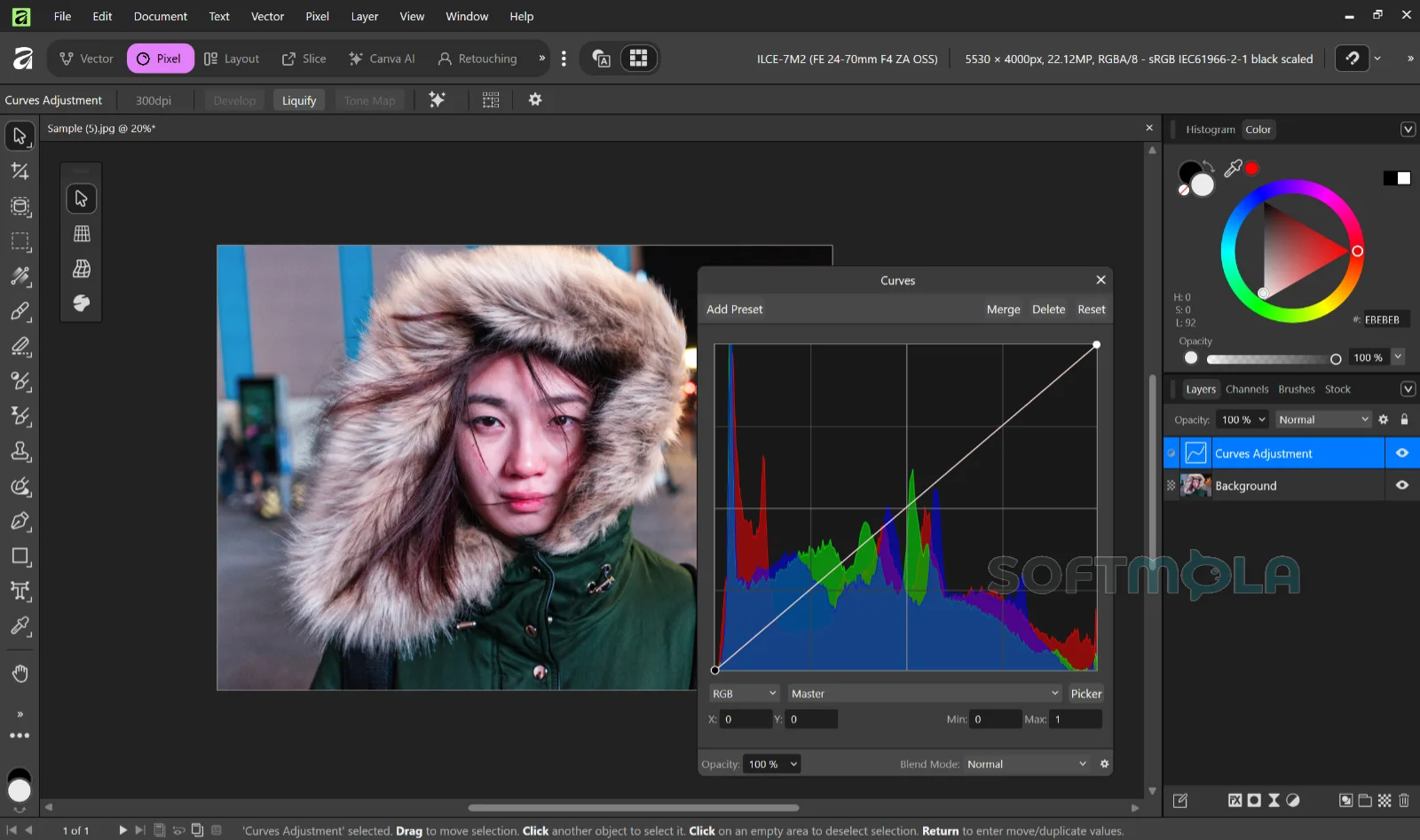
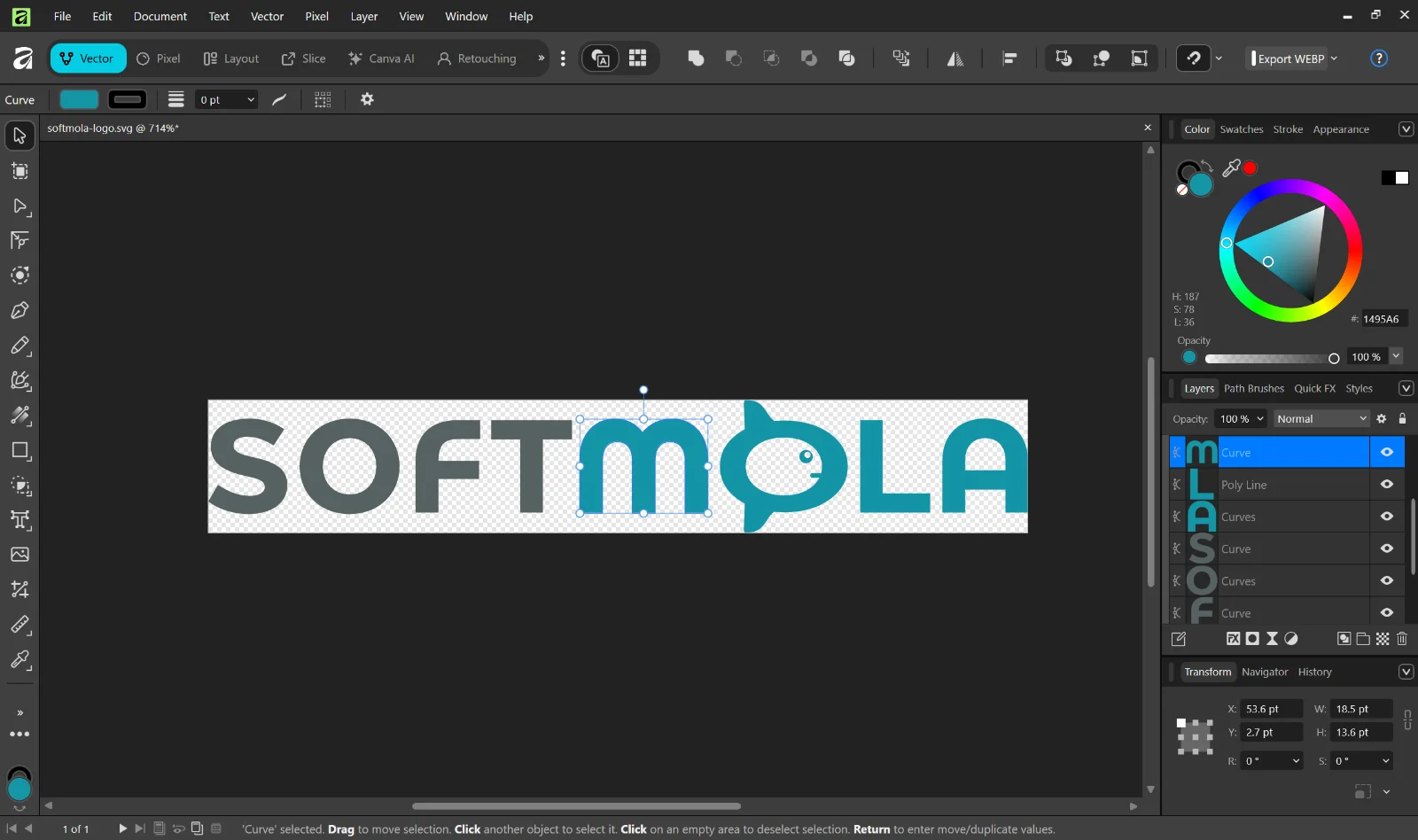
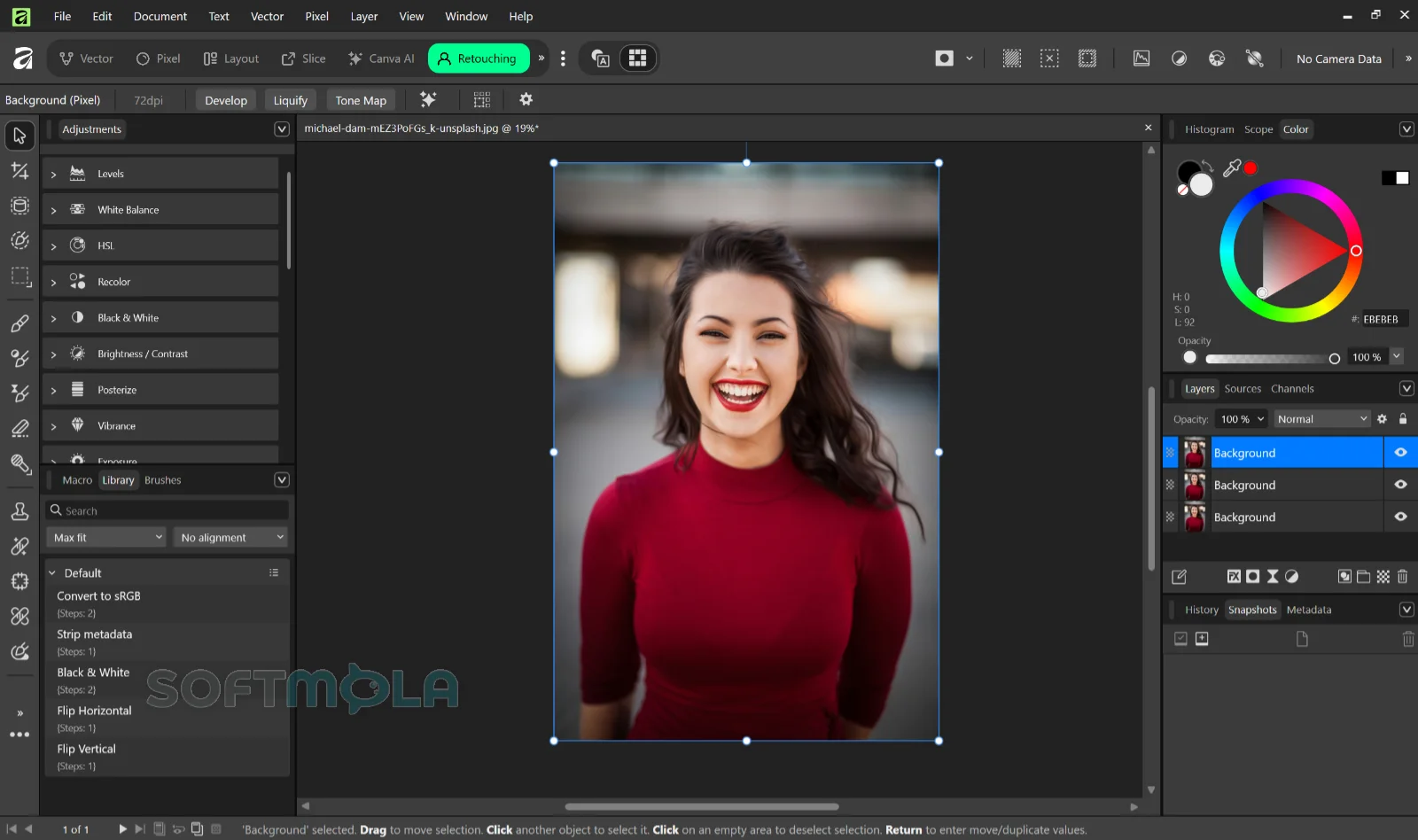
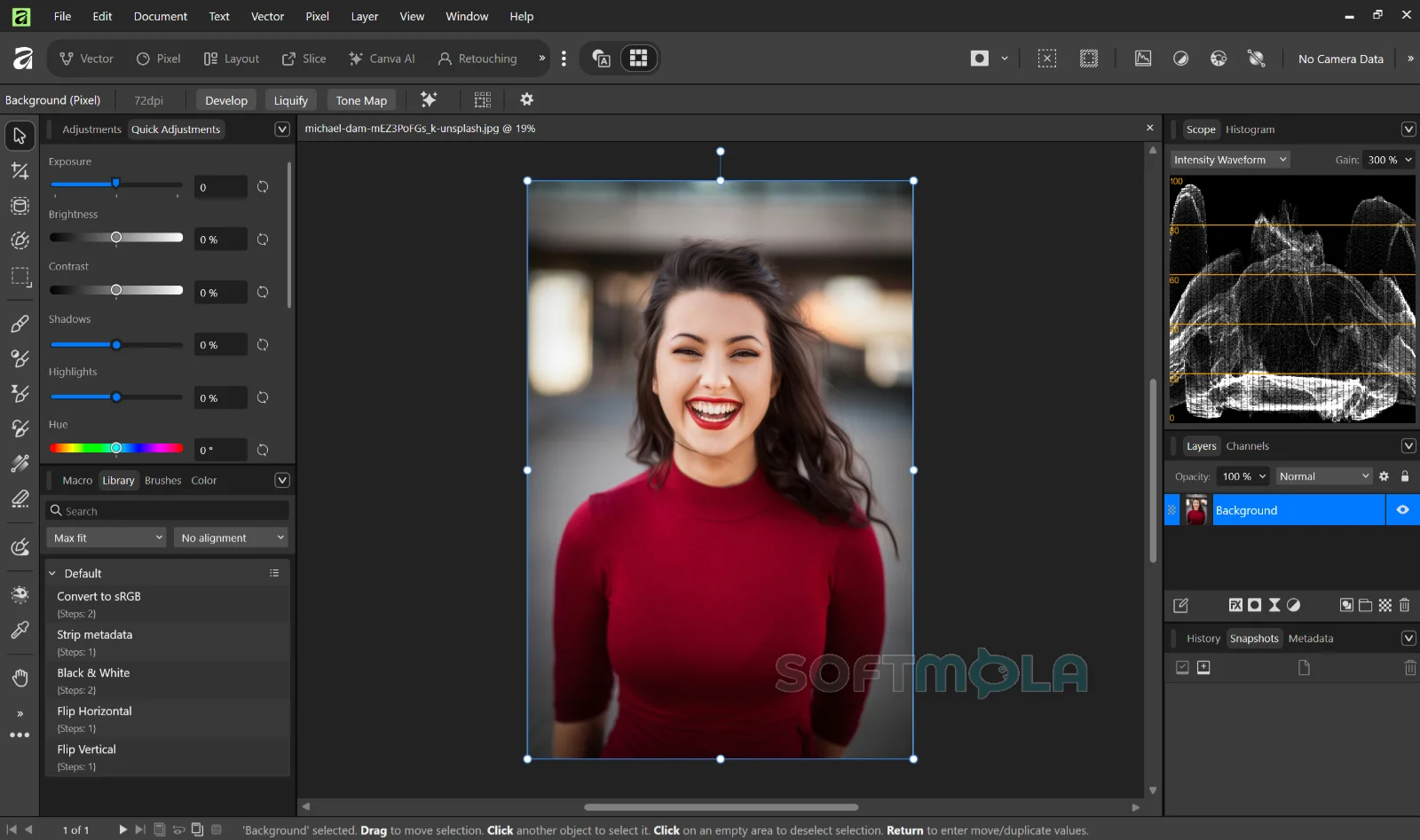
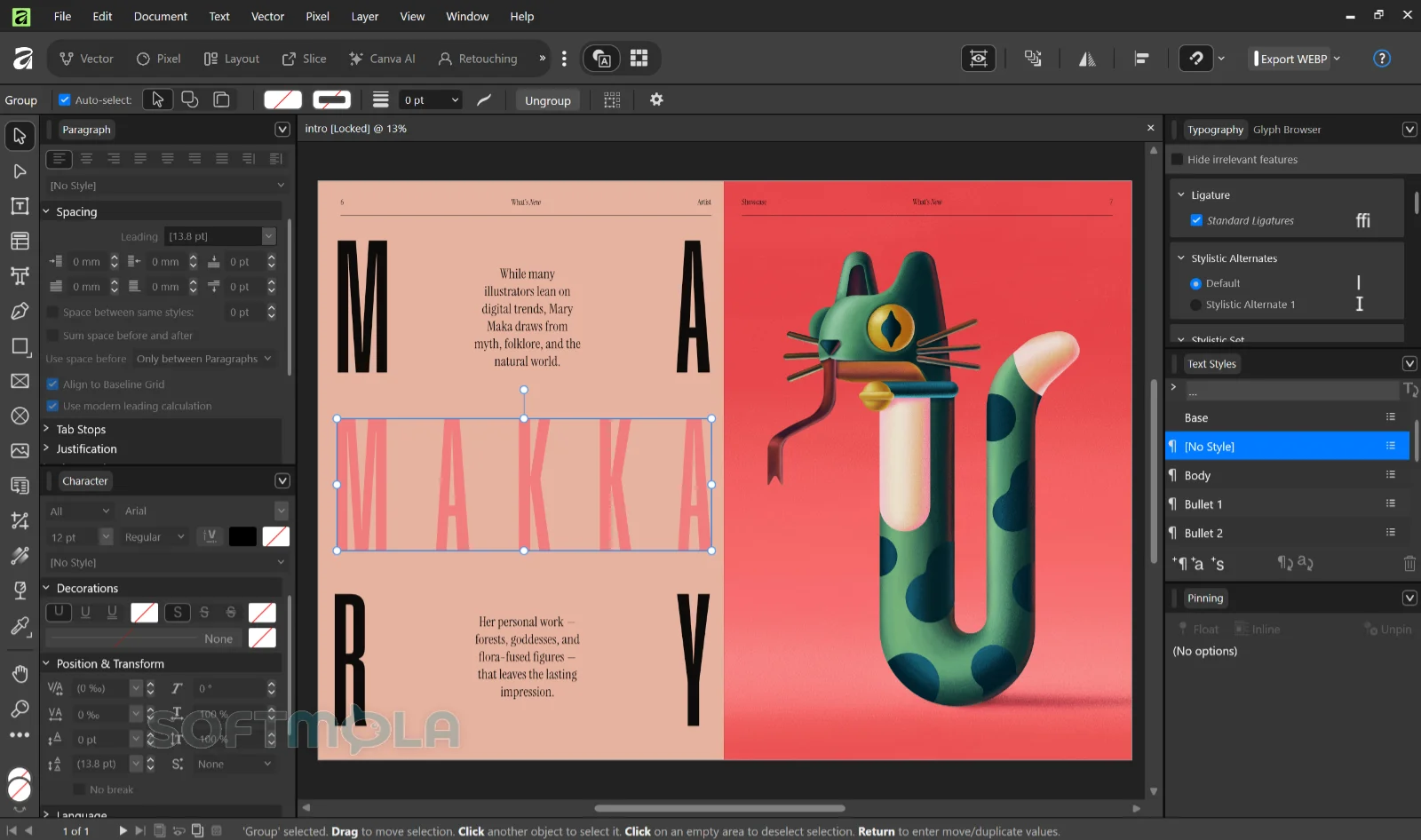
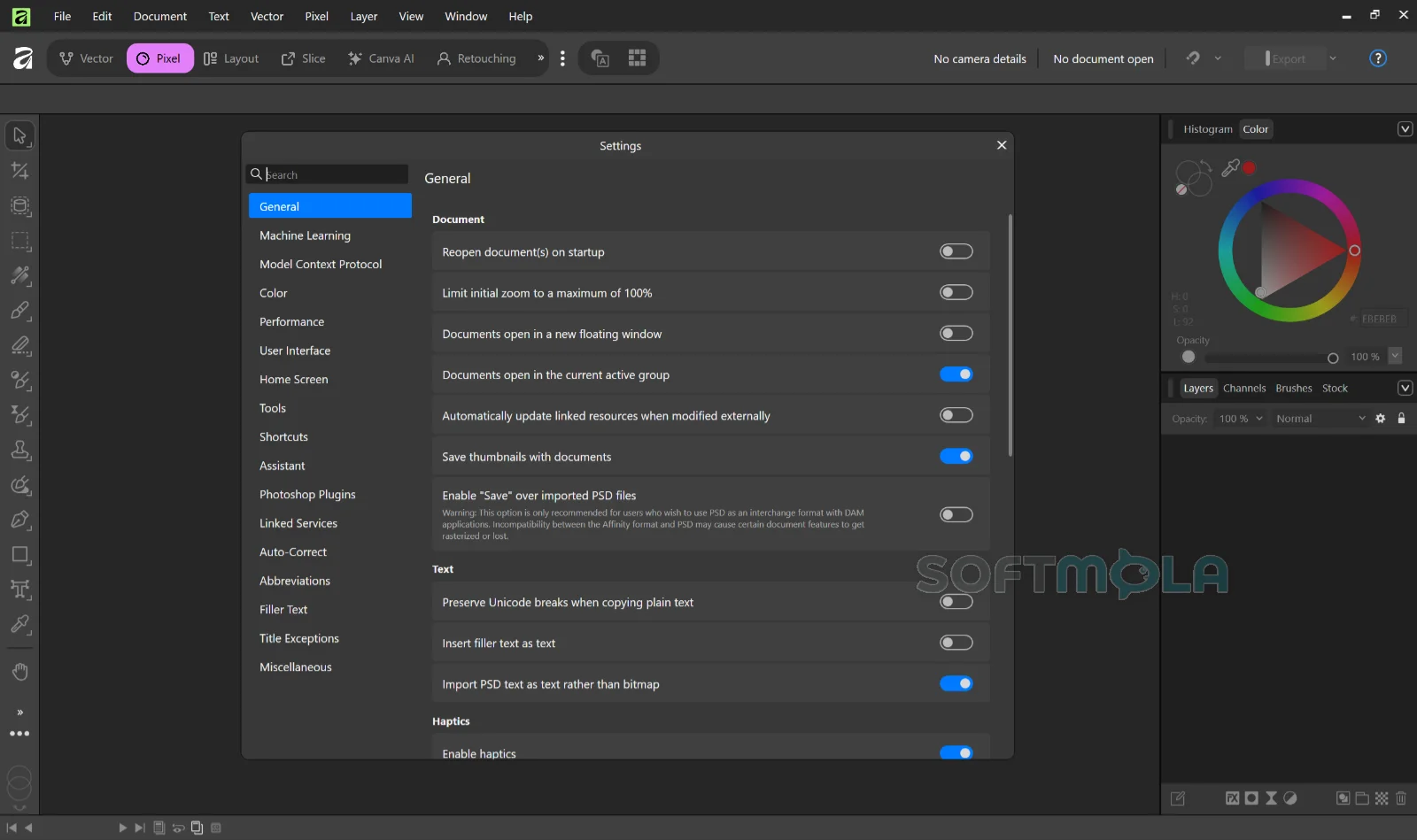
Table of Contents
Affinity for Windows is a professional creative application that brings photo editing, vector design, and page layout together in a single program. It replaces the three separate tools that Serif previously sold — Affinity Photo, Affinity Designer, and Affinity Publisher — with one install that switches between disciplines through workspaces the developer calls studios. Canva, which acquired Serif in 2024, launched this unified version at the end of October 2025 and made it available at no cost.
The pricing change is the part most people hear about first. Every tool in the Pixel, Vector, and Layout studios is included without payment, along with the customization and export features. What the free version does not include are the Canva AI tools, which are unlocked only on a paid Canva plan. Downloading the app also requires a free Canva account for activation, though the software runs offline afterward.
For Windows users who need serious design capability without a recurring subscription, that combination is unusual. It suits freelance designers, illustrators, photographers who edit rather than catalogue, small in-house teams producing print and digital material, and students who need production-grade tools on a limited budget.
Affinity Review
The most interesting decision Canva made was not making the software free. It was merging three mature applications into one without turning the interface into a maze. Affinity handles this through studios, selected from a menu at the top left of the window. Vector covers illustration and curve work, Pixel holds the raster and retouching tools, and Layout contains the page assembly tools. Switching between them mid-project takes a click and does not require saving or reopening anything. If you are working on a photo composite and need to add a precise shape, you move to Vector, draw it, and move back.
Beyond the three defaults, additional workspaces exist for tasks like slicing, colour grading, and compositing. You can also clone an existing studio and strip it down to only the tools you use, then save that arrangement and share it. Custom setups can be exported for a team, which is a practical answer to the problem of onboarding people onto unfamiliar software.
In use, the app feels quick on ordinary hardware. Canva lists Windows 10 or 11 on a 64-bit processor, 4GB of RAM as a minimum with 8GB or more recommended, and a DirectX 10-compatible GPU. A dedicated graphics card helps, but the requirements are modest by the standards of professional creative software. Windows users should note that four installer variants exist — standard and enterprise builds for both Intel/AMD and ARM processors — so it is worth checking which one matches your machine before downloading.
Migration from Adobe is where expectations need adjusting. Affinity opens PSD, AI, IDML, and DWG files, and in reviewing the app for TechRadar, Steve Paris found that imports generally work. The caveats are real, though. Native InDesign INDD files cannot be opened at all, so anything from InDesign has to be exported to IDML first. Photoshop Smart Objects do not translate cleanly. Fonts sourced from Adobe Fonts will not come across, since those live in Adobe's cloud rather than on your system. The same review noted that complex files can take a long time to open with no progress indicator, which makes it easy to assume the import has failed when it has not.
Tool parity with Adobe is close but not complete. Affinity covers the large majority of what most designers actually use day to day, and its Image Trace results are strong, but people migrating from Illustrator will notice the absence of certain curve tools and will need to work through the Pen tool instead. Many keyboard shortcuts carry over, which softens the transition. It is also worth being clear about scope: the Pixel studio is a Photoshop equivalent, not a Lightroom one. There is no asset management or cataloguing, so photographers need a separate tool for organising libraries.
The AI situation deserves a straight answer. Generative Fill, generative expand, background removal, upscaling, and image or vector generation sit behind a Canva premium plan. TechRadar's assessment was that these paid tools currently feel ordinary compared with the free feature set — useful, but not the reason to subscribe. That may change as Canva develops them, but as of now the free tier is where the value sits.
On privacy, Canva states that Affinity files are stored locally and that content in the app is not used to train or develop its AI features, including work made with Canva AI tools inside Affinity. Content you choose to upload or export to Canva is governed by your Canva account settings. Canva has also described the app as free permanently. That commitment is a company statement rather than a perpetual licence, and organisations with strict procurement or archival requirements should read the terms before standardising on it.
The other consideration is file compatibility with older versions. The new app opens documents created in Affinity V1 and V2, but the reverse is not true — V1 and V2 cannot open the newer .af files. Existing V2 licences remain valid and Serif is keeping activation servers running, but those apps will not receive further updates. Anyone still relying on Affinity V2 on iPad should be careful here, because the iPad version of the new app has not shipped yet.
Key Features of Affinity
Three Studios in One Application
The Pixel, Vector, and Layout studios cover raster editing, vector illustration, and multi-page document assembly respectively. Because they share one document model, a single file can contain photographic layers, editable curves, and a multi-page structure at the same time. This removes the round-tripping that usually happens when a brochure needs a retouched image and a redrawn logo — the whole job stays in one file and one window.
Customizable and Shareable Workspaces
Panels can be rearranged and tools mixed across studios to build a layout suited to a specific kind of work. You can save several configurations, switch between them instantly, and share them with colleagues or download setups other people have built. Anyone who only needs one discipline can simply stay in a single studio and ignore the rest.
Non-Destructive Photo Editing and RAW Development
The Pixel studio provides full RAW development, layer-based compositing, adjustment and live filter layers, masking, and retouching tools that leave the original data intact. Batch processing and macros handle repetitive jobs such as resizing or applying the same correction across a folder of images, which matters when you are preparing a large set of product photos.
Vector Design and Image Trace
Vector work stays responsive on detailed artwork, covering logos, icons, illustrations, and interface design. Image Trace converts a raster image into editable curves with a small number of adjustable parameters and a preview before you commit. Newer additions include mesh gradients and hatch fills, both of which had been requested by users for years.
Page Layout and Print Preparation
The Layout studio handles multi-page documents with master pages, text styles, and typographic controls aimed at print production. Export options include PDF, and ePub support was added for digital publishing. Because filters and vector tools remain available while you are laying out pages, corrections can be made in place rather than sent back to another application.
Adobe and Cross-Application File Support
Affinity imports PSD, AI, IDML, and DWG files with layers and structure preserved in most cases, and exports to formats including PDF, SVG, TIFF, and PSD. Export controls work at the level of individual objects, slices, or whole documents. Recent updates added native .af file support in Capture One and DaVinci Resolve, so photographers and video editors can move work between those tools and Affinity without re-exporting.
Optional Canva AI Tools
Users on a Canva Pro, Business, Enterprise, or Education plan can enable the Canva AI Studio inside Affinity, which adds generative fill, generative expand, image and vector generation, and background removal. These tools can be pulled into the other studios rather than being confined to their own workspace. None of this is required to use the application, and the free feature set does not depend on it.
Affinity has become one of the more straightforward recommendations in Windows creative software, mainly because the barrier to trying it is so low. Designers, illustrators, and photo editors who want professional-grade tools without a subscription will find most of what they need here, and the unified studio approach genuinely reduces the friction of moving between disciplines. The limitations are worth weighing first: some Adobe-specific features do not survive the import, there is no asset management for large photo libraries, the iPad version is still pending, and using the app means holding a Canva account. For anyone whose work fits within those boundaries — and that covers a great many people — it is a substantial piece of software to have available at no cost.
Affinity Pros & Cons
- Three disciplines in one application: Vector, pixel, and layout tools share a single document and interface, so you can switch between them mid-project without saving or reopening files.
- No cost for the core toolset: Every tool in the Pixel, Vector, and Layout studios is available without payment, along with the customization and export features.
- Configurable workspaces: Panels and tools can be rearranged into custom studios, saved as multiple setups, and shared with other people or downloaded from them.
- Modest hardware demands: Affinity runs on Windows 10 or 11 with 4GB of RAM as a minimum, which puts it within reach of mid-range machines.
- Broad file format support: PSD, AI, IDML, and DWG files can be imported, and exports cover PDF, SVG, TIFF, and PSD among others.
- Local file storage: Documents are kept on your own device, and Canva states that Affinity content is not used to train or develop its AI features.
- Canva account required: You cannot download or activate the application without one, and this applies even though the software itself is free.
- Adobe imports are imperfect: InDesign INDD files cannot be opened directly, Photoshop Smart Objects do not translate cleanly, and typefaces from Adobe Fonts will not carry over.
- No asset management: The Pixel studio is a Photoshop equivalent rather than a Lightroom one, so photographers need a separate application for cataloguing large image libraries.
- AI features sit behind a paid plan: Generative fill, generative expand, background removal, and image or vector generation require a Canva premium subscription.
- Older Affinity apps cannot read new files: Affinity V1 and V2 cannot open documents saved in the current app, which matters if you still work across an iPad running V2.
Frequently Asked Questions
What is Affinity by Canva?
Affinity is a professional creative application for Windows and macOS that handles photo editing, vector design, and page layout in one program. It replaced the three separate Serif applications — Affinity Photo, Affinity Designer, and Affinity Publisher — when Canva launched the unified version at the end of October 2025. The three toolsets now appear as Pixel, Vector, and Layout studios inside a single interface.
Is Affinity free?
Yes. Canva makes the full application available at no cost, and this is not a restricted or time-limited version. Every tool in the Pixel, Vector, and Layout studios can be used without payment or a subscription, and Canva has said the app will continue receiving free updates. The exception is the Canva AI Studio, which requires a paid Canva plan such as Pro, Business, Enterprise, or Education.
Do I need a Canva account to use Affinity?
Yes. A Canva account is used to download the installer and activate your licence, and a free account is sufficient for the complete creative toolset. You do not need Canva Pro or any other paid plan unless you want the AI features. Once activation is complete, the application runs without requiring you to stay signed in online.
Does Affinity work on Windows 10 and Windows 11?
Affinity supports 64-bit versions of both Windows 10 and Windows 11. The stated requirements include an x64 processor with SSE2 support, at least 4GB of RAM with 8GB or more recommended, around 2.5GB of free storage, a DirectX 10-compatible graphics card, and a display resolution of 1280x768 or higher. Separate installers are available for ARM-based Windows devices.
Can Affinity open Photoshop and Illustrator files?
Yes, Affinity imports PSD and AI files along with IDML and DWG, generally preserving layers and document structure. Results are not always exact, though. Photoshop Smart Objects may not translate correctly, and fonts from Adobe's cloud library will be missing unless they are also installed locally. InDesign INDD files cannot be opened at all, so those documents need to be exported to IDML from InDesign first.
Can I still open my Affinity V1 and V2 files?
Yes. The current Affinity application opens documents created in Affinity V1 and V2. The compatibility only works in one direction, however — files saved in the new app use the .af format and cannot be opened by the older versions. Existing V2 licences remain valid and Serif is keeping its activation servers running, but those applications will no longer receive updates.
Does Affinity work without an internet connection?
Mostly, yes. You need to be online to download the app and activate it with your Canva account, but after that the software runs offline, including during extended periods without a connection. A few features do require internet access if you choose to use them, including in-app help, lessons, stock libraries, and any Canva integrations or AI tools. Connecting occasionally is also how you receive updates.
Is Affinity safe to download?
Affinity is published by Canva, which acquired the original developer Serif in 2024, and the installers are distributed through the official Affinity website and the Microsoft Store. Downloading from either of those routes, or from a verified button on a trusted software page, means you are getting the build the developer signed rather than a repackaged copy. As with any software, avoid unofficial mirrors and modified installers, and check that the publisher name matches before you continue past any Windows security prompt.