

LocalSend for Windows
A free, open-source app for transferring files, folders, images, and text between nearby devices over a local network.
Software Information
LocalSend Screenshots
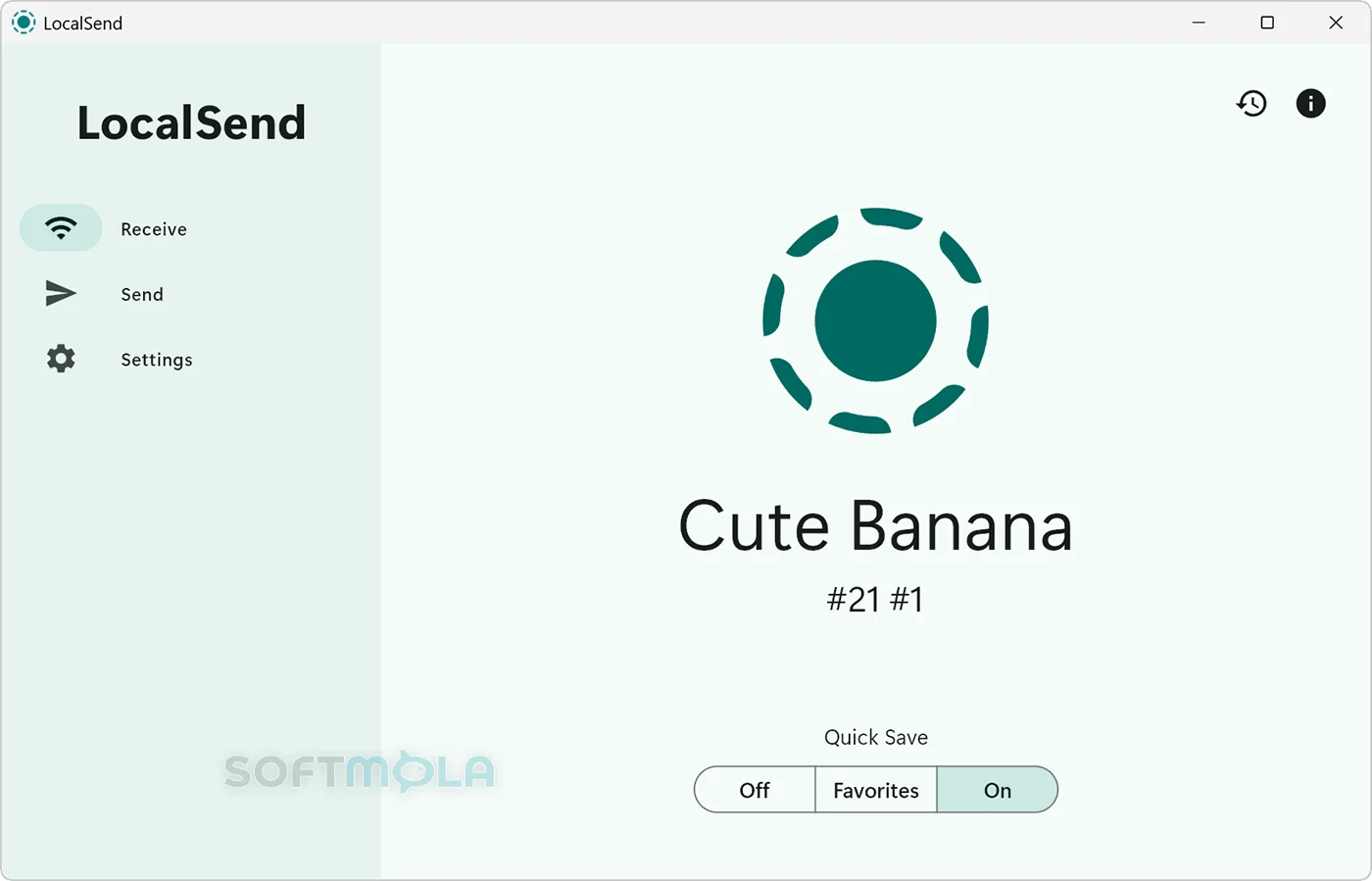
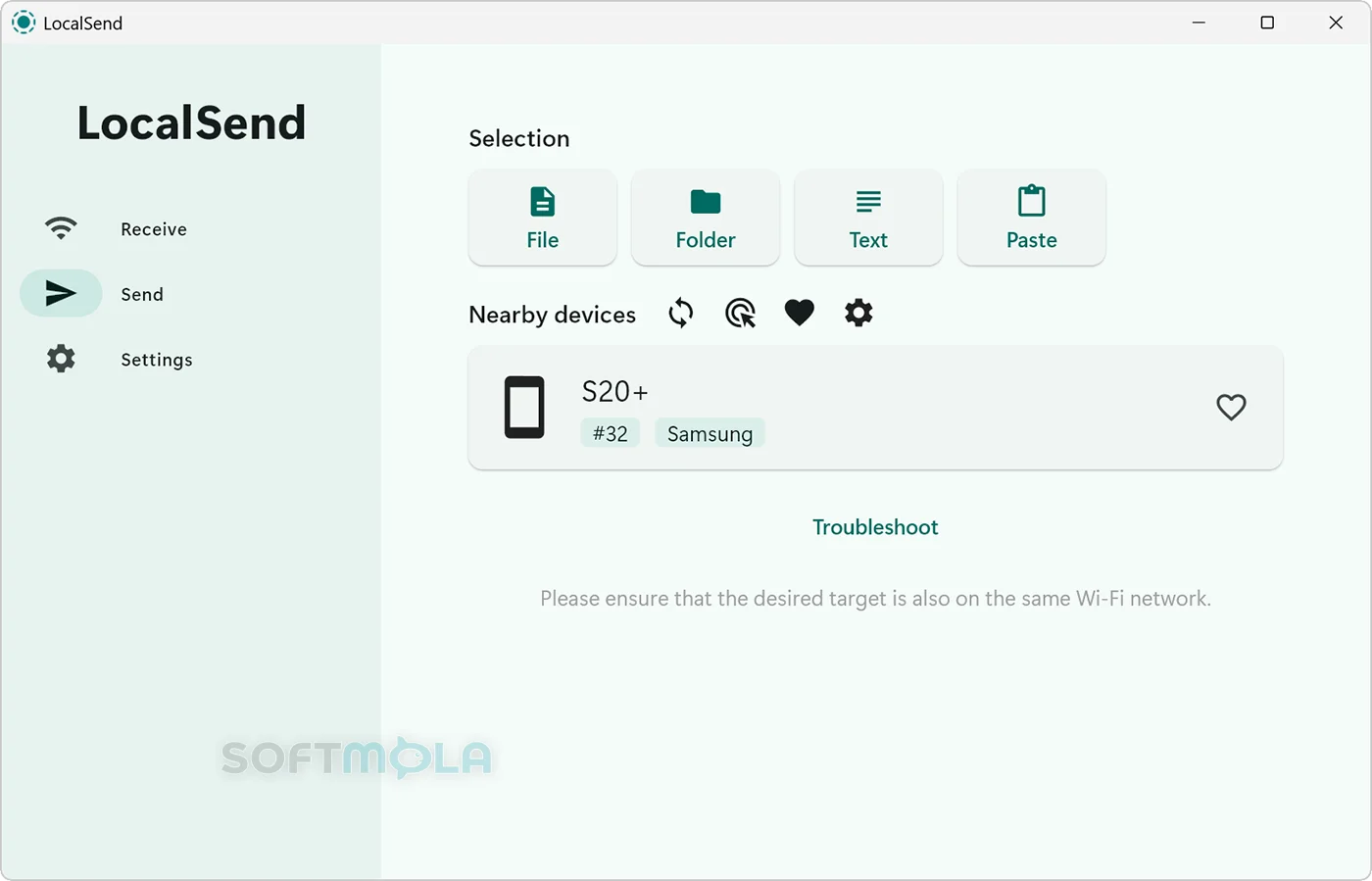
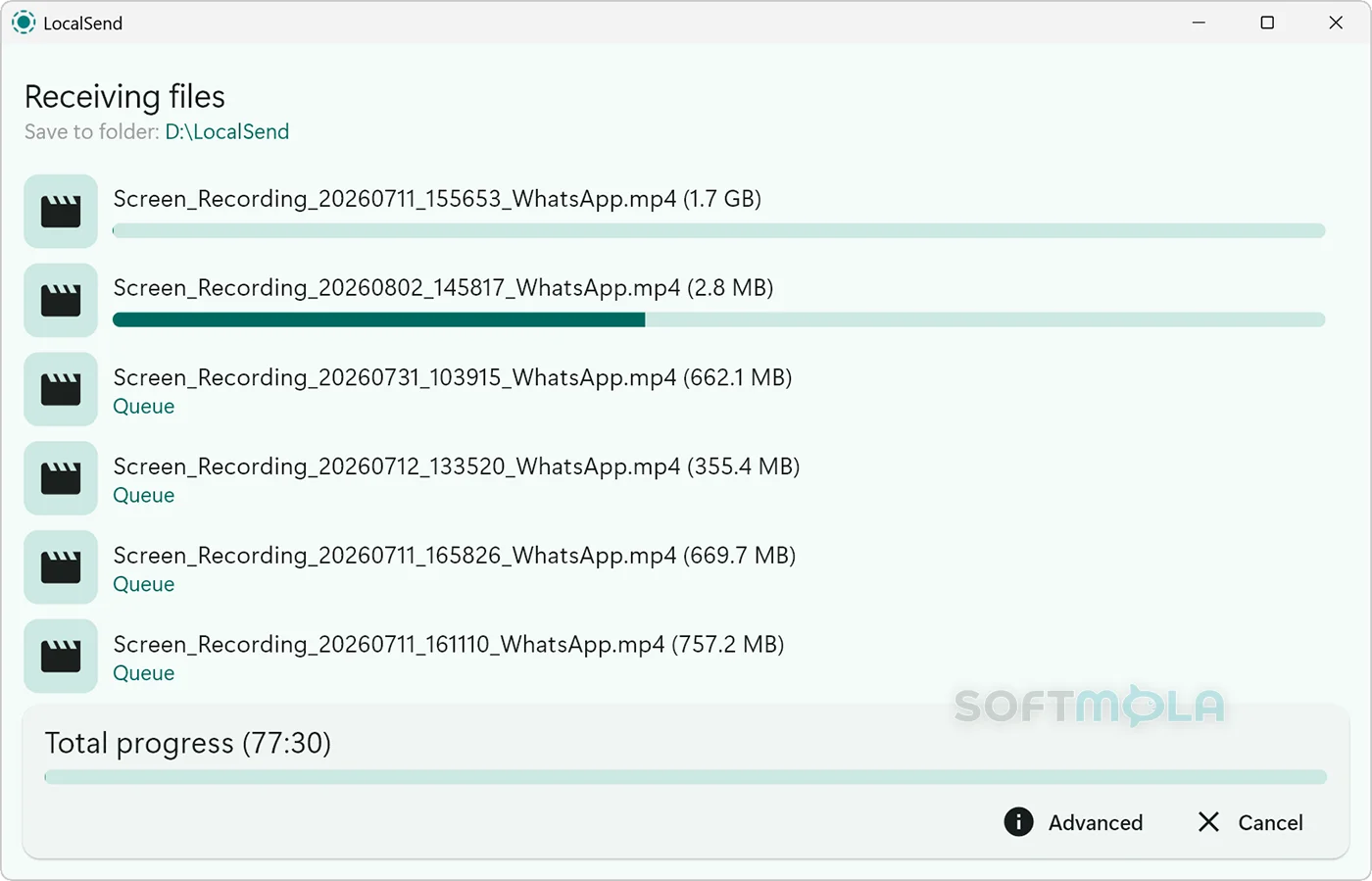
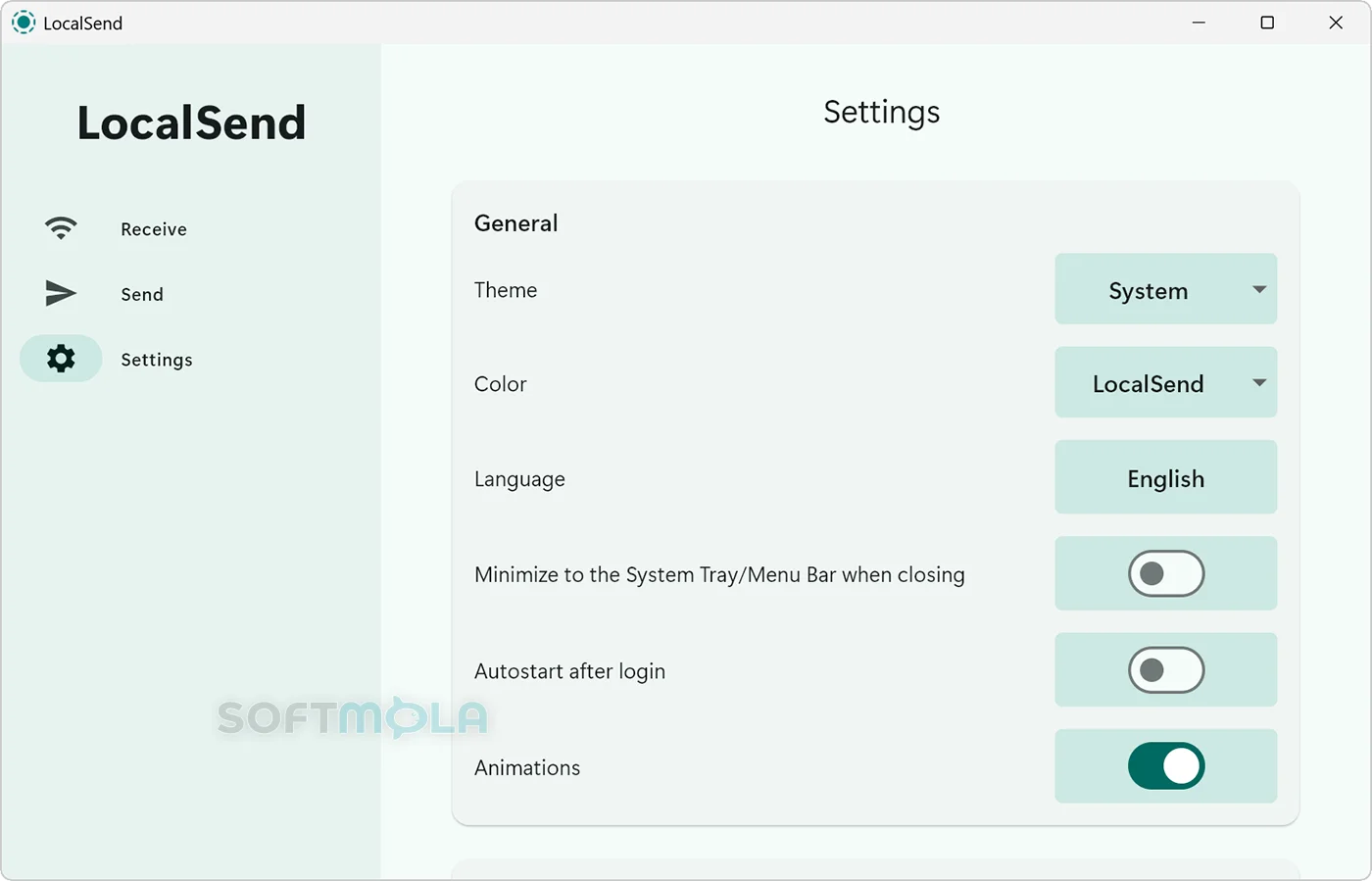
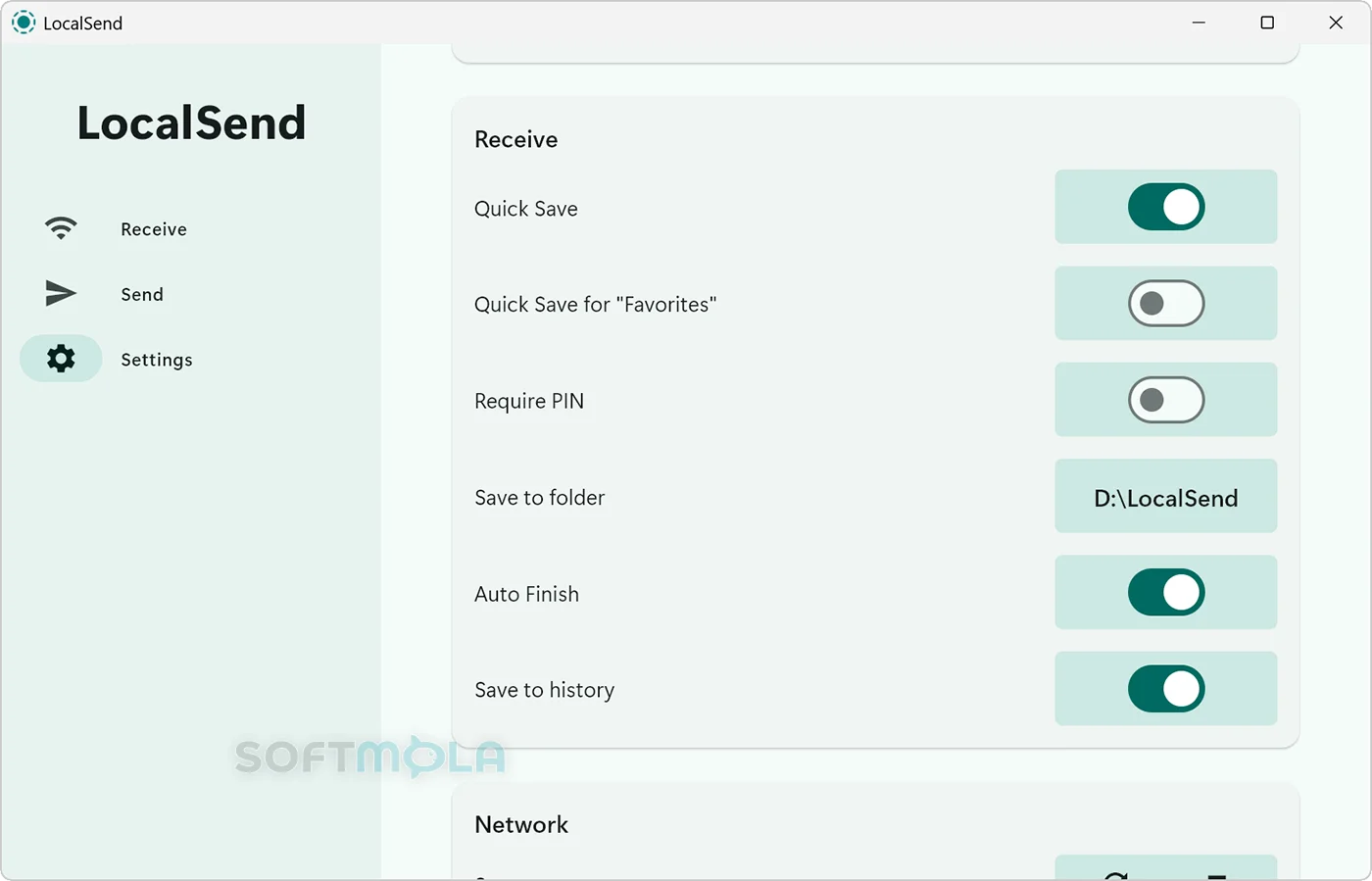
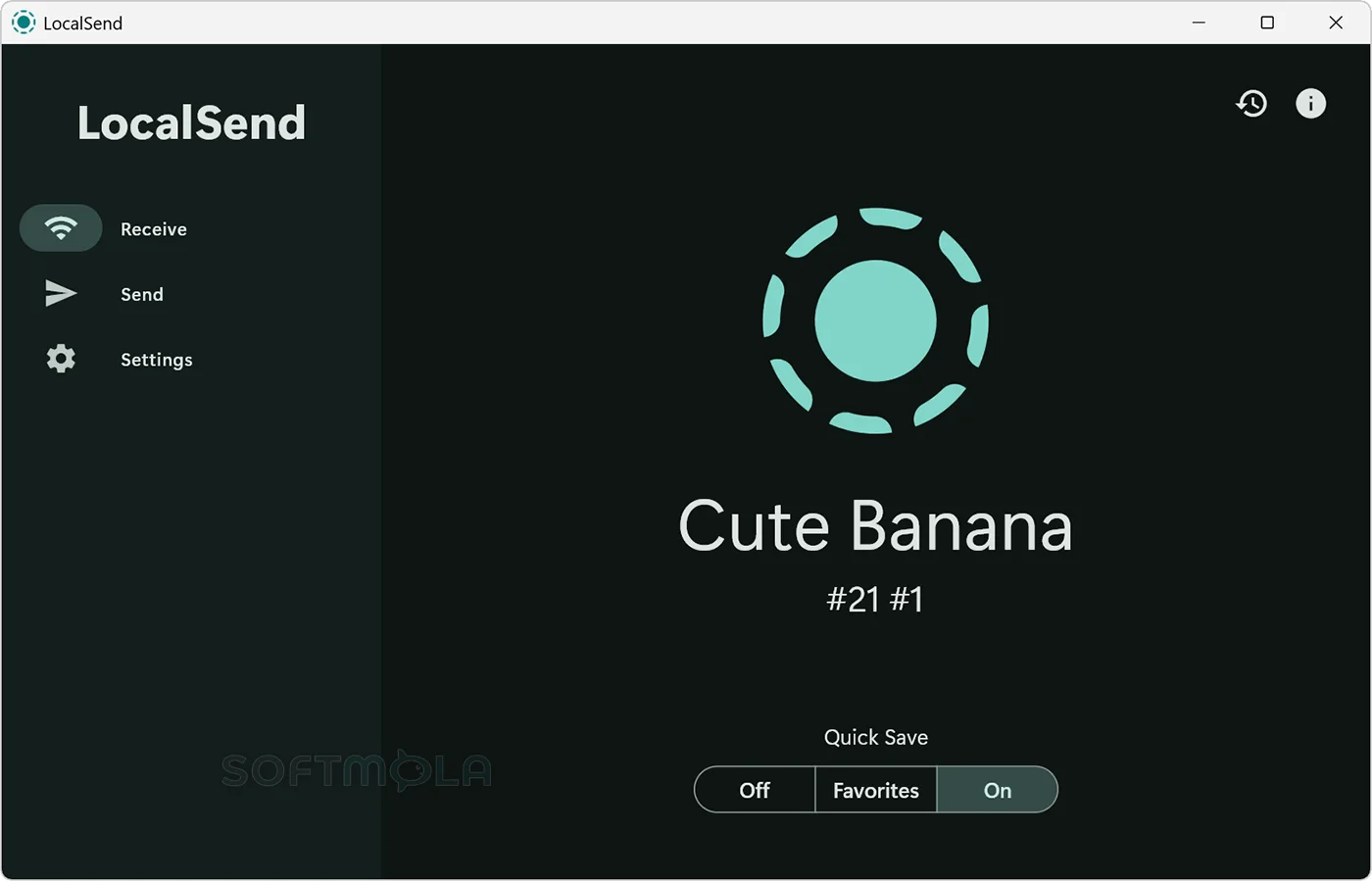
Table of Contents
LocalSend for Windows is a free, open-source utility for transferring files, folders, images, and text between nearby devices. Instead of uploading data to cloud storage or sending it through a messaging service, the app moves it directly across a local Wi-Fi or wired network. It works with Windows, macOS, Linux, Android, and iOS, making it particularly useful for people who regularly exchange files between devices from different ecosystems.
The appeal is straightforward: no account is required, there are no advertisements, and transfers do not depend on an external server or an active internet connection. A Windows user can send photographs from an iPhone, move documents to an Android tablet, or share a folder with another computer without reaching for a USB drive. LocalSend is less suitable for remote sharing, long-term synchronization, or collaboration because both devices normally need to be reachable on the same local network.
LocalSend remains relevant because cross-platform file sharing is still inconsistent, especially between Windows PCs and mobile devices. Its clean interface and narrow focus make everyday transfers convenient. However, its current security position requires caution: the latest packaged Windows release remains version 1.17.0, while later GitHub advisories identify unresolved vulnerabilities affecting that version.
LocalSend Review
LocalSend is designed around a simple workflow. Open the app on two devices connected to the same network, select the material to share, and choose the recipient from the nearby-device list. The receiving device can approve the request before the transfer begins. Because the data travels locally rather than through cloud infrastructure, performance is mainly determined by the speed and stability of the network, not by an internet upload allowance or a third-party bandwidth limit.
The Windows interface is uncluttered and approachable. Its main sections separate sending, receiving, history, and settings without surrounding the transfer process with messaging, social features, storage plans, or account management. Device names are displayed directly in the app, so most home users do not need to work with IP addresses. The result feels closer to a universal AirDrop-style tool than to a traditional network utility.
Cross-platform support is its strongest practical advantage. Windows users often rely on several unrelated methods to move content between a PC, an iPhone, an Android device, and another computer. LocalSend offers one consistent process across all of them. It can transfer individual files, multiple selections, complete folders, and text snippets, which covers common tasks such as moving camera photos, passing a long link to another device, or copying a project folder to a laptop.
The privacy model is also attractive. LocalSend does not require an account, and its official privacy policy states that the application does not collect, store, process, or use personal or non-personal data. The developer nevertheless notes that operating systems, device manufacturers, and other applications may conduct their own data collection independently. Since standard transfers stay within the local network, LocalSend also avoids creating a permanent cloud copy of every file you exchange.
Transfers use HTTPS, with certificates generated on the participating devices. That encrypts the connection while files are being moved. Encryption should not, however, be confused with complete device authentication. A critical GitHub security advisory published in August 2025 says that LocalSend’s unauthenticated UDP discovery process can be spoofed by an attacker on the same local network, potentially causing a sender to select an impersonated device. The advisory lists versions up to and including 1.17.0 as affected and does not identify a patched release.
A second advisory published in January 2026 concerns stored cross-site scripting in the Share via Link interface. It describes how a specially prepared filename may execute browser-side code when displayed on the local web-sharing page. This issue also affects version 1.17.0 and earlier, with no patched version listed at the time of writing. By contrast, an earlier path-traversal vulnerability affecting older releases was corrected in version 1.17.0, showing that security fixes have been incorporated previously even though the newer disclosures remain unresolved in the packaged release.
These findings do not make every LocalSend transfer inherently compromised. Both newer advisories depend on particular conditions, such as the presence of a malicious participant on the same network or interaction with the web-sharing interface. They do mean that the current release should not be described as fully secure simply because it uses HTTPS. Using LocalSend on a private home network carries a different risk profile from using it on hotel Wi-Fi, a shared office network, a campus network, or any environment where other connected devices cannot be trusted. Sensitive business documents, credentials, software installers, and other high-impact files are better transferred through a solution with current patches and stronger authenticated-device controls.
Network configuration is the other meaningful limitation. LocalSend usually discovers devices automatically, but Windows Firewall, public-network restrictions, virtual private networks, multiple active network adapters, VLAN separation, and wireless access-point isolation can prevent devices from appearing or communicating. The project documentation specifically notes that Windows networks may need to be marked private and that firewall access may be required for LocalSend’s local traffic. Guest Wi-Fi networks commonly isolate connected devices by design, which directly conflicts with the app’s discovery model.
Update management also deserves attention. The project recommends obtaining LocalSend through an app store or package manager because the desktop application does not include automatic updating. The official GitHub release page still identifies version 1.17.0, released in February 2025, as the latest packaged release, although repository activity continued into 2026. That gap between source development and an installable stable release is important for Windows users, particularly when published advisories have no patched version available.
For non-sensitive home transfers, LocalSend remains one of the more convenient ways to bridge Windows with phones and computers running other operating systems. It is lightweight in purpose, does not impose storage quotas, and avoids unnecessary accounts. Users who need remote access, background synchronization, centrally managed permissions, audit logs, or enterprise-grade identity verification should consider a different class of product.
Key Features of LocalSend
Cross-Platform Local Transfers
LocalSend supports Windows, macOS, Linux, Android, and iOS. Devices do not need to belong to the same brand or use the same account; they mainly need to run LocalSend and be reachable over the local network. This makes the program useful in mixed-device households and small teams where Windows PCs coexist with iPhones, Android phones, Macs, or Linux systems.
Current versions of the main application officially require Windows 10 or later. The project identifies version 1.15.4 as the final release supporting Windows 7, so users of older PCs should not assume that the latest security and feature changes will be available to them.
File, Folder, Image, and Text Sharing
The program handles more than single-file transfers. Users can select multiple items, send folders, share photographs and videos, or pass a block of text to another device. On Windows, the 1.17.0 release also added automatic PNG conversion when an image is pasted into the app, which can make clipboard-based image sharing more predictable.
Text sharing is a small but useful addition. It provides a direct way to move a long URL, command, address, or note between devices without creating a document or sending the information through email or a chat account.
Automatic Nearby-Device Discovery
LocalSend searches the local network for other active devices and displays them as potential recipients. The protocol uses local discovery methods, including UDP multicast, to reduce the amount of manual network configuration required. An advanced setting introduced in version 1.17.0 can filter network interfaces, which may help computers that have several adapters or virtual networking tools installed.
The convenience comes with two trade-offs. Discovery may fail when a router blocks device-to-device communication, and the currently documented spoofing vulnerability means users should not rely on the displayed device identity for high-risk transfers on an untrusted network.
Direct Transfers Without Cloud Storage
Files are transferred between devices rather than uploaded to a central LocalSend server. This keeps transfers usable when internet service is slow or unavailable and avoids waiting for a large file to upload before it can be downloaded again. There is no vendor-imposed storage quota or transfer allowance, although practical speed and reliability depend on the local network and the participating devices.
This design is useful for temporary sharing, but LocalSend is not a backup or synchronization service. Once a transfer is complete, it does not maintain a continuously updated copy or provide cloud-based version history.
HTTPS Transfer Encryption
Normal LocalSend communication is sent over HTTPS, and the application generates certificates locally. This protects transfer contents against simple passive observation on the network. The official website also offers optional PIN verification as an additional confirmation step.
The current discovery vulnerability limits how much confidence users should place in encryption alone. An encrypted connection can still be established with the wrong endpoint when device discovery is successfully impersonated. LocalSend is therefore more appropriate for trusted private networks than for security-critical transfers across shared Wi-Fi until an officially patched build is released.
Share via Link
Share via Link starts a local web interface that allows another device to retrieve selected files through a browser. It can be convenient when the receiving device does not have the native LocalSend app installed, and it keeps the sharing session within the reachable network rather than uploading files to a public hosting service.
This feature needs particular caution in version 1.17.0 because the published stored-XSS advisory specifically concerns the web-share interface. Until a patched release is available, users should avoid opening web-share sessions containing files from untrusted sources or unusual filenames.
Portable and Background-Friendly Windows Options
LocalSend provides a portable Windows mode that stores its settings beside the executable when a local configuration file is present. This can be helpful on PCs where a conventional installation is undesirable or when users want the program and its preferences kept together. The Windows build also supports starting hidden in the system tray, allowing frequent users to keep it available without leaving the main window open.
These options add flexibility, but they do not replace centralized deployment, automatic patching, or enterprise device management. Organizations would still need their own process for controlling versions and monitoring security updates.
LocalSend offers a refreshingly direct answer to a common Windows problem: moving files between nearby devices that do not share the same operating system. Its free, open-source model, lack of accounts, broad platform support, and focused interface make it practical for routine transfers on a trusted home network. The absence of an automatic updater and the unresolved advisories affecting the latest packaged release are significant limitations, however. It remains worth considering for low-risk local sharing, but security-sensitive users should wait for a patched release or choose a tool with stronger authenticated-device verification and a more current security update channel.
How to Download and Install LocalSend on Windows
LocalSend is officially distributed for Windows as an x86-64 EXE installer and a portable ZIP. Winget, Scoop, and Chocolatey are also listed as supported distribution channels. The app does not require an account or subscription, but direct-download users must check for updates manually because LocalSend has no built-in automatic updater.
How to Download LocalSend
Select the Download for Windows button on this page.
Continue to the verified LocalSend download source.
Choose the Windows EXE installer for a conventional installation.
Choose the portable ZIP instead when you prefer to run LocalSend from a folder without installing it.
Save the selected file to an accessible location and wait for the download to finish.
Avoid unofficial MSIX preview builds unless you understand that they contain custom changes and are not guaranteed to be stable.
How to Install LocalSend
Open the downloaded Windows EXE installer.
Review the Windows security information shown for the file before continuing.
Approve the User Account Control request if Windows displays one.
Review the available setup options and complete the installation.
Open LocalSend from the Start menu or its installed shortcut.
If Windows asks whether the app may communicate through the firewall, allow it only on networks you trust.
Install LocalSend on the other device you intend to use for transfers.
Connect both devices to the same private local network and open the app on each one.
How to Run the Portable Version
Download the official Windows portable ZIP.
Create a permanent folder for LocalSend in a location where you have permission to save files.
Extract the complete contents of the ZIP into that folder.
Open the LocalSend executable from the extracted files.
Keep the entire folder together when moving the portable copy to another location.
To store settings beside the executable, create an empty file named
settings.jsonin the same folder before configuring the app.
Getting Started with LocalSend
Open LocalSend on the Windows PC and the receiving device.
Confirm that both devices are connected to the same trusted local network.
Check the receiving device’s displayed name carefully before selecting it.
Use PIN verification when additional confirmation is appropriate.
Select the files or text to send, choose the intended recipient, and approve the request on the receiving device.
Check the download location after the transfer. Received files are saved to the Downloads folder by default, although this destination can be changed in LocalSend’s settings.
LocalSend Pros & Cons
- Free and open source: LocalSend has no subscription, advertising, account requirement, or hidden usage limits.
- Works across major platforms: Windows users can exchange files with devices running macOS, Linux, Android, and iOS through the same interface.
- Keeps transfers on the local network: Files are sent directly between reachable devices instead of being uploaded to a LocalSend cloud service.
- Supports several types of content: The app can send individual files, folders, photographs, videos, and text without restricting users to a particular file format.
- Installer and portable options: Windows users can choose the standard EXE installer, an official portable ZIP, or supported package managers such as Winget, Scoop, and Chocolatey.
- Unresolved security vulnerabilities: Version 1.17.0 is listed as affected by a critical device-impersonation vulnerability and a moderate issue involving the Share via Link interface. Neither advisory currently identifies a patched version.
- No built - in automatic updating: Direct installer and portable users must check for newer releases themselves. The project recommends a package manager where practical.
- Limited to nearby network sharing: LocalSend is not designed for remote transfers, cloud backup, continuous folder synchronization, or long-term collaboration.
- Network restrictions can block discovery: Windows Firewall, guest Wi-Fi isolation, virtual private networks, and router settings may prevent devices from finding each other.
- The current official Windows package is x86 - 64: The latest stable release does not list a native Windows ARM64 build among its official assets.
Frequently Asked Questions
Is LocalSend free?
Yes. LocalSend is free and open-source software with no paid edition, subscription, advertising, or required account. Its core file-sharing functions are available without payment on Windows and its other supported platforms. Donations may be available as a way to support development, but they are not required to use the application.
Does LocalSend work on Windows 11 and Windows 10?
Yes. The current LocalSend application officially supports Windows 10 and later, which includes Windows 11. Version 1.15.4 was the final release supporting Windows 7. The stable Windows 1.17.0 download is provided for x86-64 systems, and the official release does not currently list a native Windows ARM64 package.
Do I need an account to use LocalSend?
No. LocalSend does not require registration, an email address, a login, or a subscription. Install or run the app on each participating device, connect them to the same reachable local network, and select the receiving device. This account-free design also avoids tying routine transfers to a central cloud profile.
Does LocalSend work without an internet connection?
Yes. An external internet connection is not required, but the devices must still be connected through the same local Wi-Fi or wired network and able to communicate with each other. LocalSend does not provide remote file delivery when the sender and recipient are on unrelated networks.
Is LocalSend safe to download and use?
Download LocalSend only from the verified Softmola route, the official project, or an approved package manager. The application is open source and uses HTTPS for transfers, but the latest stable version should not be treated as risk-free. GitHub advisories list version 1.17.0 as affected by an unresolved critical device-impersonation flaw and an unresolved Share via Link vulnerability. Use it on a trusted private network, confirm the intended recipient carefully, and avoid transferring sensitive material until fixes are released.
Does LocalSend collect personal data?
The official privacy policy states that LocalSend does not collect, store, process, use, share, or sell personal or non-personal data through the application. Operating systems, device manufacturers, and other installed apps may follow their own data practices, which are outside LocalSend’s control.
Is there a portable version of LocalSend for Windows?
Yes. The project provides an official portable ZIP alongside the Windows EXE installer. The portable package can be extracted and run without a conventional installation. LocalSend also supports a portable settings mode in which a settings.json file placed beside the executable keeps the application’s settings in the same folder.
Why can LocalSend not find my other device?
The devices may be separated by Windows Firewall rules, a VPN, different network segments, or access-point isolation. Guest Wi-Fi networks often prevent connected devices from communicating with one another. LocalSend’s documentation says its local traffic may need permission through the firewall and identifies TCP and UDP port 53317 for incoming communication. Allow access only on a trusted private network rather than broadly opening the app to public networks.