

KMPlayer for Windows
Free Windows media player with built-in codecs, deep subtitle controls, and screenshot, clip, and GIF capture.
Software Information
Recommended: 64-bit Available: 32-bit
KMPlayer Screenshots
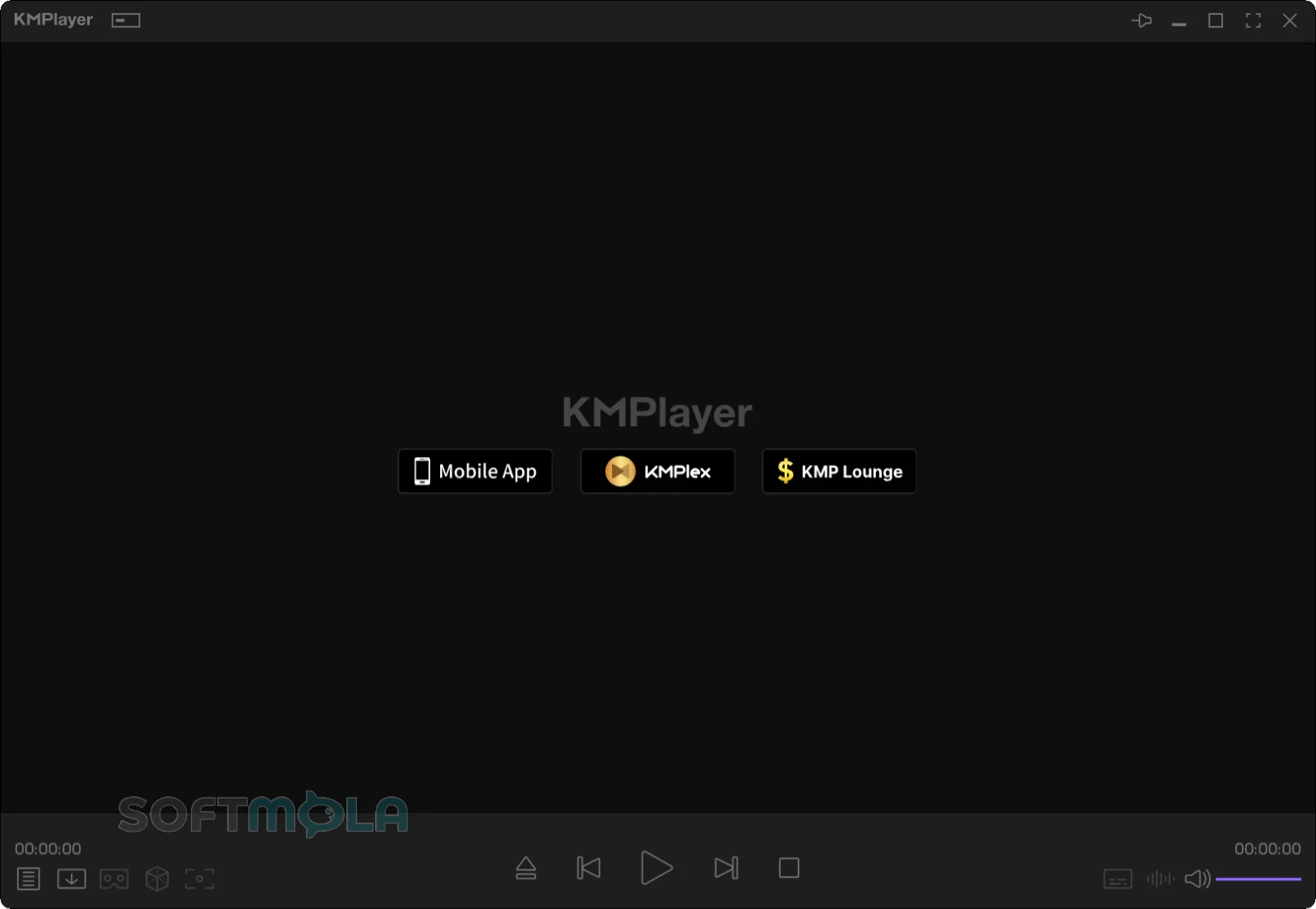

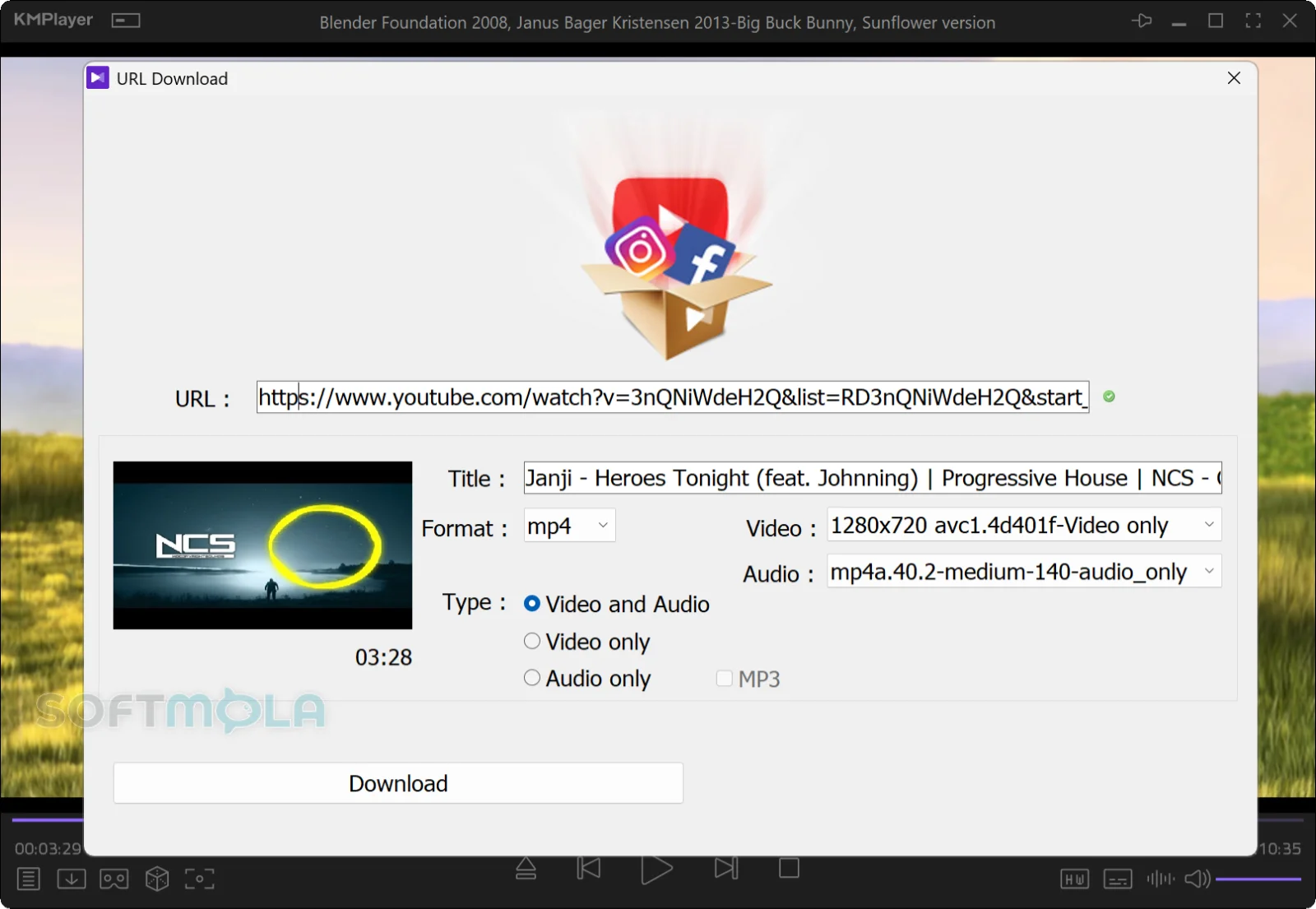
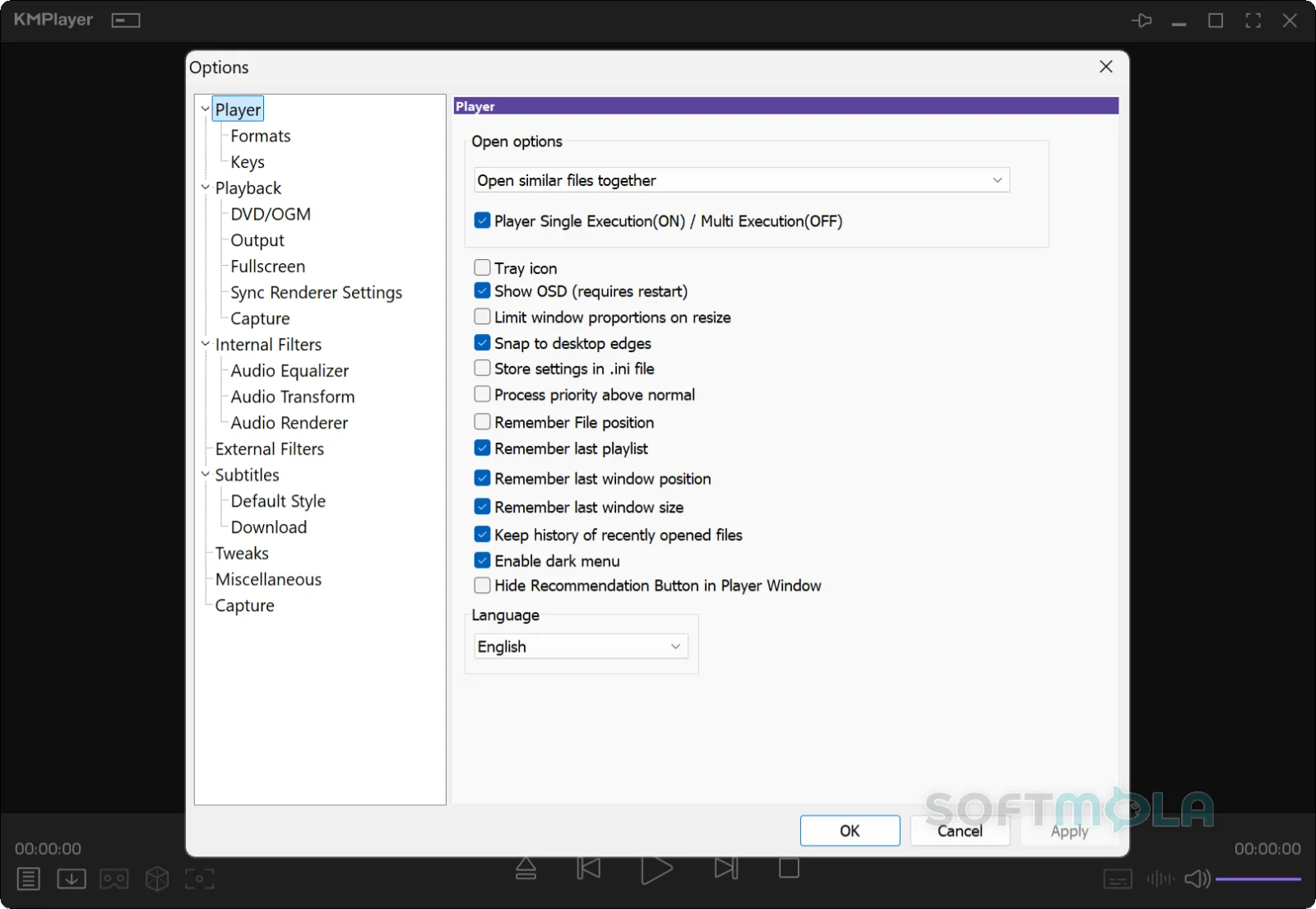
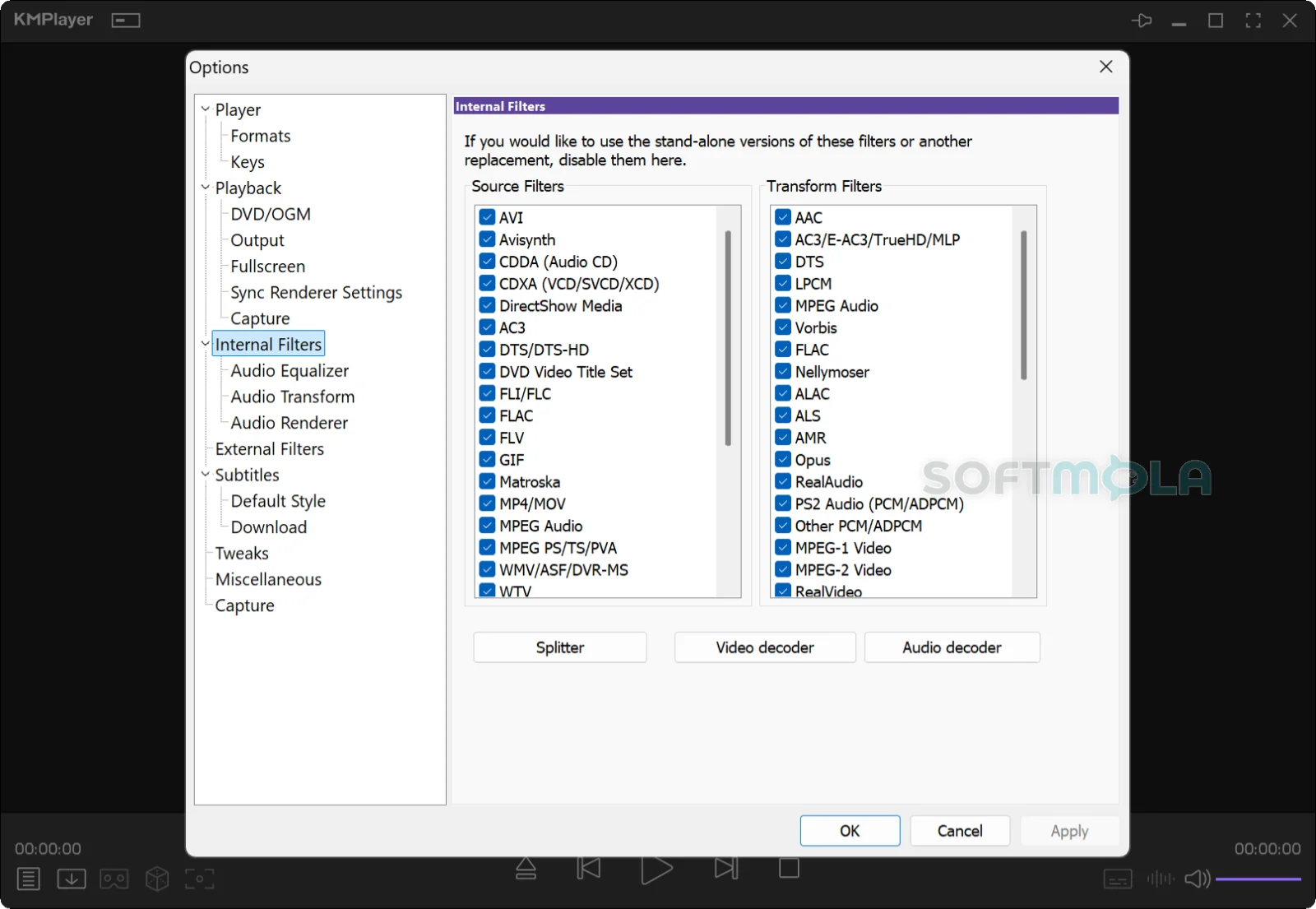
Table of Contents
KMPlayer is a free desktop media player built around a simple promise: open almost any video or audio file you have, without installing a separate codec pack first. It has been around since 2002, when Korean developer Kang Yong-Huee released the first version, and it is now maintained by Pandora TV. For Windows users sitting on a mixed library of MKV rips, old AVI files, phone recordings and downloaded MP4s, that broad compatibility is still the main reason to install it.
There are two Windows builds, and the difference matters more than the names suggest. KMPlayer 64X is the 64-bit release aimed at current hardware, updated with dated version numbers throughout 2026, and it is the one Pandora TV pushes first. The older 32-bit KMPlayer is kept available for lower-spec machines and legacy systems. Both are free downloads with no paid tier for the desktop version; the developer funds the project partly through a donation link rather than a subscription.
What you get is a player with a deep set of controls hiding under a fairly ordinary interface — subtitle handling, playback speed, screen adjustment, hardware acceleration, capture tools and URL streaming. Whether that depth is worth it depends on how much you actually want to tinker.
KMPlayer Review
The first thing worth settling is which build to install. Pandora TV lists Windows 10 64-bit as the recommended environment for KMPlayer 64X, with Windows 11 supported, Windows Vista 64-bit as the stated minimum, DirectX 9 or later, and roughly 150 MB of install space. If your PC can't meet that, the 32-bit KMPlayer is the fallback the company points to. In practice, almost anyone on a modern machine should take 64X — it receives regular dated builds, while the 32-bit branch moves far more slowly and reads increasingly like a maintenance release rather than an actively developed player.
Setup is quick, and the first launch asks you to pick a language and decide which file types KMPlayer should take over. That second step deserves attention. Media players tend to claim every extension by default, and if you already use Windows' built-in Media Player or another app for music, it's worth narrowing the associations rather than accepting the whole list.
Day to day, playback is the strong part. The player ships with its own decoders — H.264, HEVC, VP9 and a long list of older formats — and keeps them internal rather than registering system-wide filters, so it doesn't rearrange how other apps decode video. That design is the reason KMPlayer built its reputation in the first place. Files that stall in a default Windows setup, including partially downloaded or damaged AVIs and audio pulled straight out of a ZIP or RAR archive, generally just open. Hardware acceleration is available and keeps CPU load down on modest systems, which is the difference between smooth 4K playback and a stuttering mess on an older laptop.
Subtitles are handled with unusual care. KMPlayer reads SRT, ASS, SSA, SMI, SUB/IDX, SUP and others, lets you resync when timing drifts, and gives you control over size and placement. Anyone who watches subtitled films regularly will notice the difference against players that treat subtitles as an afterthought.
The interface is where opinions divide. The main window is clean enough, but nearly everything useful lives in the right-click menu and a dense preferences panel with dozens of pages. Casual users can ignore all of it and simply press play. Anyone who wants to change renderers, tweak post-processing or configure external filters will find the options — after some hunting. It is a functional design rather than a polished one, and it hasn't modernised at the pace of the operating system around it.
Two caveats deserve honest mention. The first is advertising. KMPlayer has historically been described as ad-supported, and installers sourced from third-party download sites have been known to present optional extra software during setup. Pandora TV's own product page for 64X states that the build carries no advertisements, spyware or user tracking, which is a meaningful improvement if it holds — but it's also a vendor claim rather than an independently verified audit. Downloading from the official source and reading each installer screen rather than clicking through remains sensible.
The second is transparency. The company publishes very little in the way of detailed release notes for the 64X builds, so when a new dated version appears, there's often no public record of what changed. For a media player that isn't a security risk in the way an antivirus or VPN would be, that's a minor irritation rather than a dealbreaker. Still, it makes it harder to judge whether a given update fixes a bug you care about.
KMPlayer also isn't the only option in this space, and it's worth knowing the landscape. VLC is open source and cross-platform. MPC-HC is minimal and fast. PotPlayer, developed at Kakao by KMPlayer's original creator, covers similar ground with a different interface. KMPlayer's case rests on combining wide format support with extras — capture tools, URL playback, playback tuning — inside one install. If you only ever open MP4 files, a lighter player will serve you just as well.
Key Features of KMPlayer
Built-In Codec Coverage
KMPlayer includes decoders for a long list of container and codec combinations, from current formats like HEVC and VP9 back through MPEG-1/2, WMV, RealMedia, FLV and QuickTime. The practical effect is that you stop thinking about codecs entirely. There's no separate pack to install, no guessing which component a file needs, and no risk of a third-party codec bundle destabilising playback in other applications. You can also point the player at external decoders if you have a specific preference.
Two Windows Builds for Different Hardware
Offering both a 64-bit and a 32-bit release is unusual now, and it's genuinely useful if you maintain an older PC. KMPlayer 64X is the one to install on any current system; it targets high-resolution content and is where development attention goes. The 32-bit KMPlayer exists for machines that can't meet the 64X requirements. Choosing the right one at download time avoids the common confusion of installing the legacy build on a modern PC and wondering why it feels dated.
Subtitle Loading and Synchronisation
Subtitle files can be loaded manually or picked up automatically when they sit alongside the video. Beyond loading them, KMPlayer lets you shift timing when a subtitle track drifts out of sync, adjust font size and colour, and change on-screen position. For anyone watching foreign-language films or working with subtitle files sourced separately from the video, these controls solve a real and frequent problem.
Playback Control and Post-Processing
Speed adjustment, screen rotation and resizing, noise reduction, audio synchronisation and preset equalisers are all built in. The equaliser is useful for badly mixed audio where dialogue sits too low against background sound. Speed control helps with lectures and recorded meetings. None of these are exotic features individually, but having them in one place — adjustable mid-playback without stopping — is convenient.
URL Streaming and Online Video
Pasting a link lets KMPlayer play online video, including YouTube URLs, directly in the player rather than in a browser tab. The developer also lists downloading from URLs among the player's capabilities. Treat this feature as a bonus rather than a reason to install: streaming sites change their delivery methods often, features like this break periodically as a result, and saving content from a platform may conflict with that platform's terms of service.
Capture Tools
KMPlayer can take screenshots, capture short clips, extract audio and record animated GIFs from whatever is playing. For anyone assembling reference material, clipping a moment from a recording, or grabbing a still frame at a specific timestamp, having capture built into the player removes a step. Output settings are configurable, so you're not stuck with a single fixed format or quality level.
KMPlayer remains a reasonable choice for Windows users who want one application that opens a messy, mixed media library without complaint, and who appreciate having subtitle controls, capture tools and playback tuning available without installing anything else. It suits people with older files, unusual formats or a habit of adjusting how video and audio behave. If you prefer open-source software, want a documented update history, or simply play modern MP4 files and nothing more, other players will fit better. For everyone else, the free download costs nothing but disk space — just take the official 64X build, and read the installer screens on the way through.
How to Download and Install KMPlayer on Windows
KMPlayer is distributed as a standard Windows installer from Pandora TV. There's no Microsoft Store step, no account creation and no licence key to enter — the main decision is which build to take. Choose KMPlayer 64X if you're on 64-bit Windows, which covers almost every current PC, and only use the 32-bit KMPlayer if your system can't meet the 64X requirements.
How to Download KMPlayer
Select the download button on this page.
Continue to the verified download source.
Choose the build that matches your system — KMPlayer 64X for 64-bit Windows, or the 32-bit KMPlayer for older or low-spec machines.
Save the installer to a folder you can find again, such as Downloads.
Wait for the download to finish completely before opening the file.
How to Install KMPlayer
Open the downloaded installer.
Approve the Windows User Account Control prompt if it appears.
Select your setup language when prompted.
Read the licence terms before continuing.
Review the component and installation options rather than accepting every default, and clear anything you don't want installed.
Complete the setup, then open KMPlayer from the Start menu or desktop shortcut.
Two things are worth attention during setup. Check the publisher name on the User Account Control prompt so you know the file you're running matches the source you downloaded from. And slow down on any screen offering extra software or toolbars — declining optional additions won't affect how the player works.
Getting Started with KMPlayer
Set file associations deliberately. Media players tend to claim every extension available. Assign only the formats you actually want KMPlayer to open, especially if another app already handles your music.
Turn on hardware acceleration. If playback stutters on high-resolution files, enabling acceleration in the preferences shifts decoding work to your GPU and lowers CPU load.
Load a subtitle file and check sync. Drop a subtitle file onto a playing video, then use the resync controls if the timing drifts — this is quicker to learn before you need it mid-film.
Explore the right-click menu once. Playback speed, screen adjustment, audio sync, equaliser presets and capture tools all live there. A few minutes now saves hunting later.
KMPlayer Pros & Cons
- Plays almost anything without extra codecs: Decoders for HEVC, VP9, H.264 and a long list of older formats ship with the player, so there's no codec pack to hunt down.
- Handles damaged and unusual files: Partially downloaded or corrupted AVI files, and audio stored inside ZIP or RAR archives, generally open without extra steps.
- Strong subtitle controls: Wide subtitle format support plus resync, font sizing and on-screen positioning — useful for anyone watching subtitled films regularly.
- Free with no paid tier: Both Windows builds are free downloads, with no subscription, licence key or account required for playback.
- Runs on older hardware: Hardware acceleration keeps CPU use down, and a separate 32-bit build covers machines that can't meet the 64X requirements.
- Built - in capture tools: Screenshots, short clips, audio extraction and GIF recording are available from inside the player.
- Dated interface with buried options: Most useful settings live in the right-click menu and a dense preferences panel rather than a modern, discoverable UI.
- Thin release notes: Pandora TV publishes little detail about what changes between 64X builds, making it hard to tell whether an update fixes a specific problem.
- Advertising history: KMPlayer has long been described as ad-supported, and installers from third-party sites have been noted to offer optional extra software during setup. The developer states that 64X carries no ads, spyware or tracking, but that remains a vendor claim.
- Closed source: Unlike VLC or MPC-HC, the code isn't open to public review, which matters to some users choosing a player.
- Two builds cause confusion: Landing on the wrong download page is easy, and installing the slower-moving 32-bit build on a modern PC gives a worse experience than 64X.
Frequently Asked Questions
Is KMPlayer free?
Yes. Both Windows builds — KMPlayer 64X and the 32-bit KMPlayer — are free to download and use, with no premium tier, licence key or subscription for the desktop version. You don't need to create an account to play files. Pandora TV supports the project partly through an optional donation link on its site rather than by charging for features.
What is the difference between KMPlayer and KMPlayer 64X?
KMPlayer 64X is the 64-bit build aimed at current hardware, and it's where active development happens — new dated versions appeared regularly through 2026. The original 32-bit KMPlayer is kept available for machines that can't meet the 64X requirements, and its version number moves far more slowly. If your PC runs 64-bit Windows, choose 64X.
Does KMPlayer work on Windows 11?
Yes. Pandora TV lists Windows 10 64-bit as the recommended environment for KMPlayer 64X and states that Windows 11 is supported. The stated minimum is Windows Vista 64-bit, with DirectX 9 or later and roughly 150 MB of installation space. The 32-bit build targets older systems, starting from Windows Vista 32-bit.
Is KMPlayer safe to download?
KMPlayer is a long-established player from a known developer, but no download should be treated as risk-free by default. Get the installer from the official KMPlayer site or a verified source rather than a random mirror, since repackaged installers are where problems usually start. Read each setup screen instead of clicking through — some third-party distributions of the installer have presented optional additional software during installation.
Do I need to install codecs to use KMPlayer?
No. KMPlayer includes its own decoders and keeps them internal rather than registering system-wide filters, so it plays most formats immediately after installation and doesn't change how other applications decode media. That design also means you can skip third-party codec packs, which have a history of causing conflicts on Windows. If you prefer a specific external decoder, the player lets you point to one.
Does KMPlayer show ads?
It depends on the build. KMPlayer has historically been classified as ad-supported software, and reviewers have reported advertising in some versions. Pandora TV's product page for KMPlayer 64X states that this build carries no advertisements, spyware or user tracking. Treat that as the developer's own claim rather than an independent finding, and check the installer screens during setup.
Can KMPlayer play DVDs and Blu-ray discs?
Pandora TV lists DVD and Blu-ray content playback among KMPlayer 64X's capabilities, and the player handles disc-related formats such as VOB and IFO. Commercial retail discs are a separate matter: encrypted Blu-ray titles generally require licensed playback software that includes the necessary decryption, so KMPlayer is best treated as a player for disc-derived files and unencrypted media.