

foobar2000 for Windows
foobar2000 is a free, highly customizable Windows audio player for playing, organizing, tagging, and converting local music collections.
Software Information
foobar2000 Screenshots
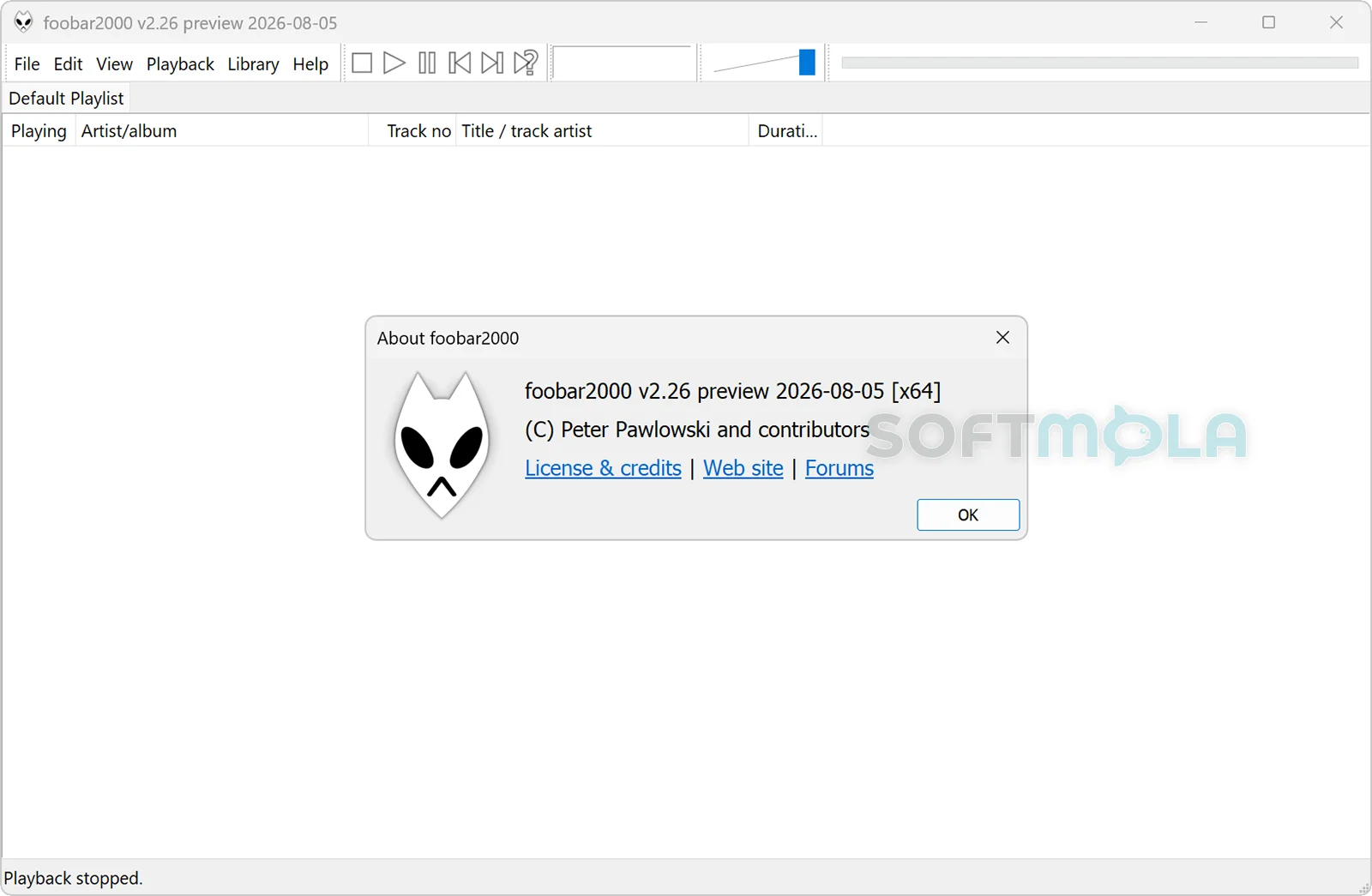
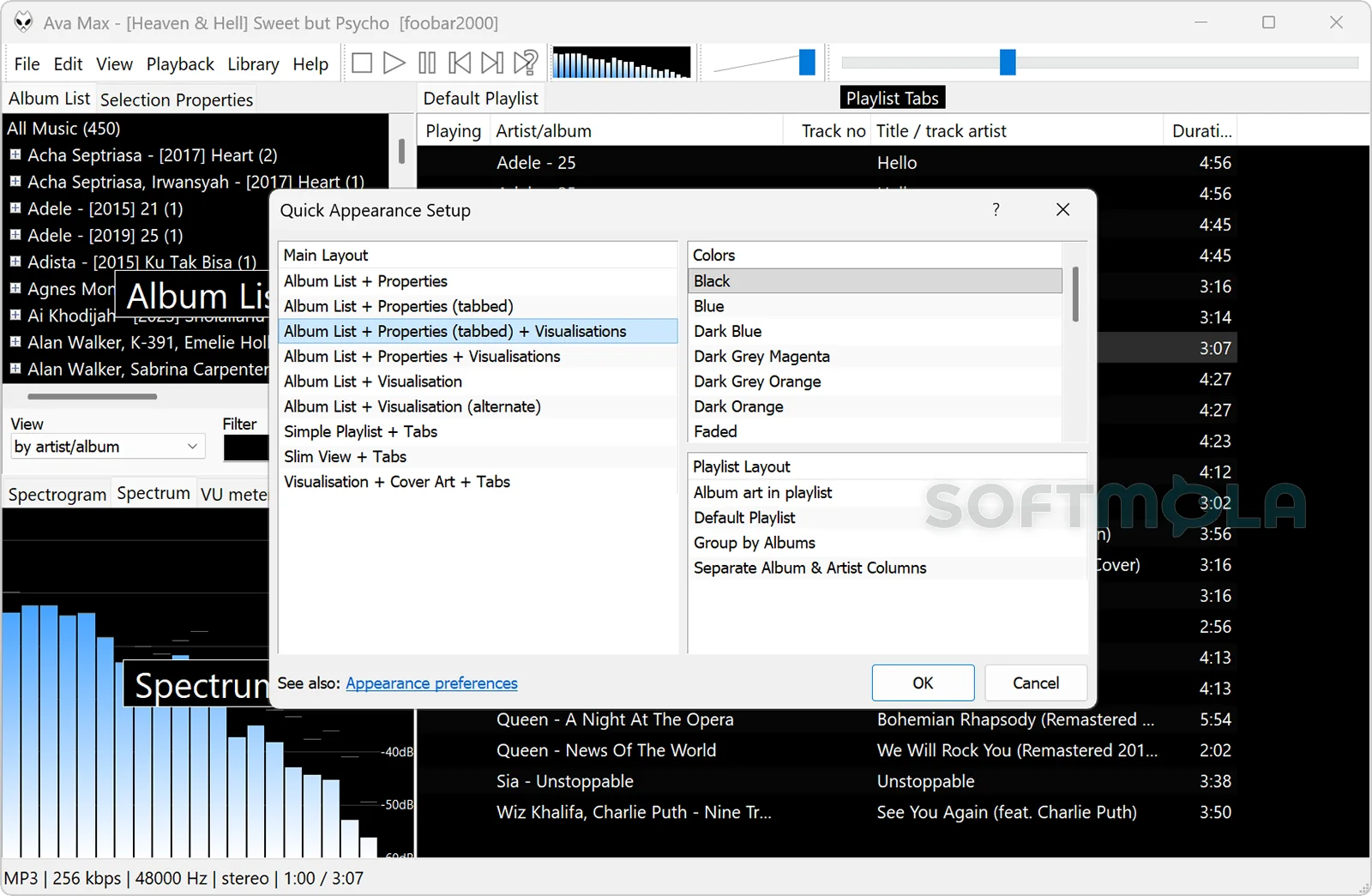
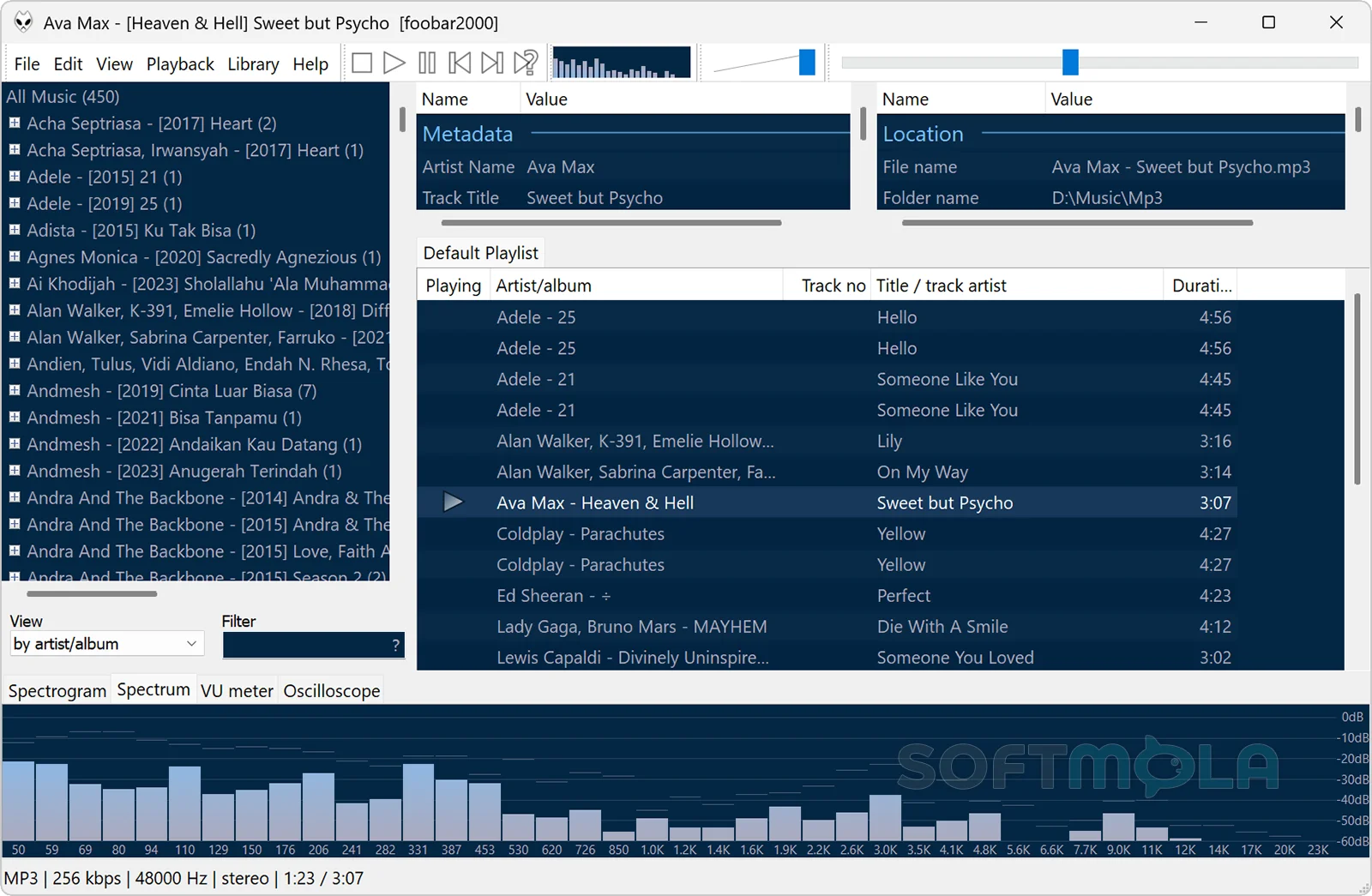
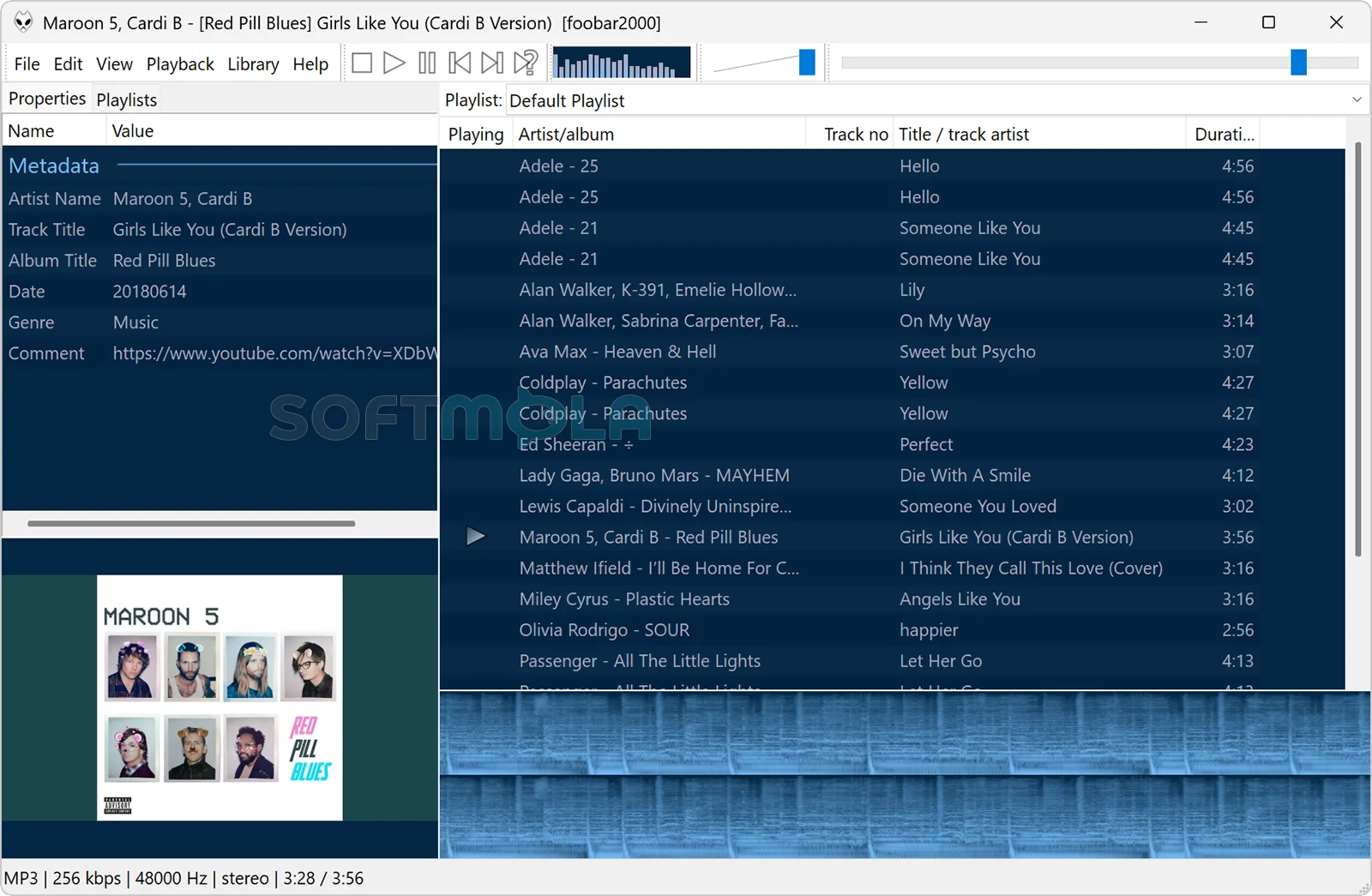
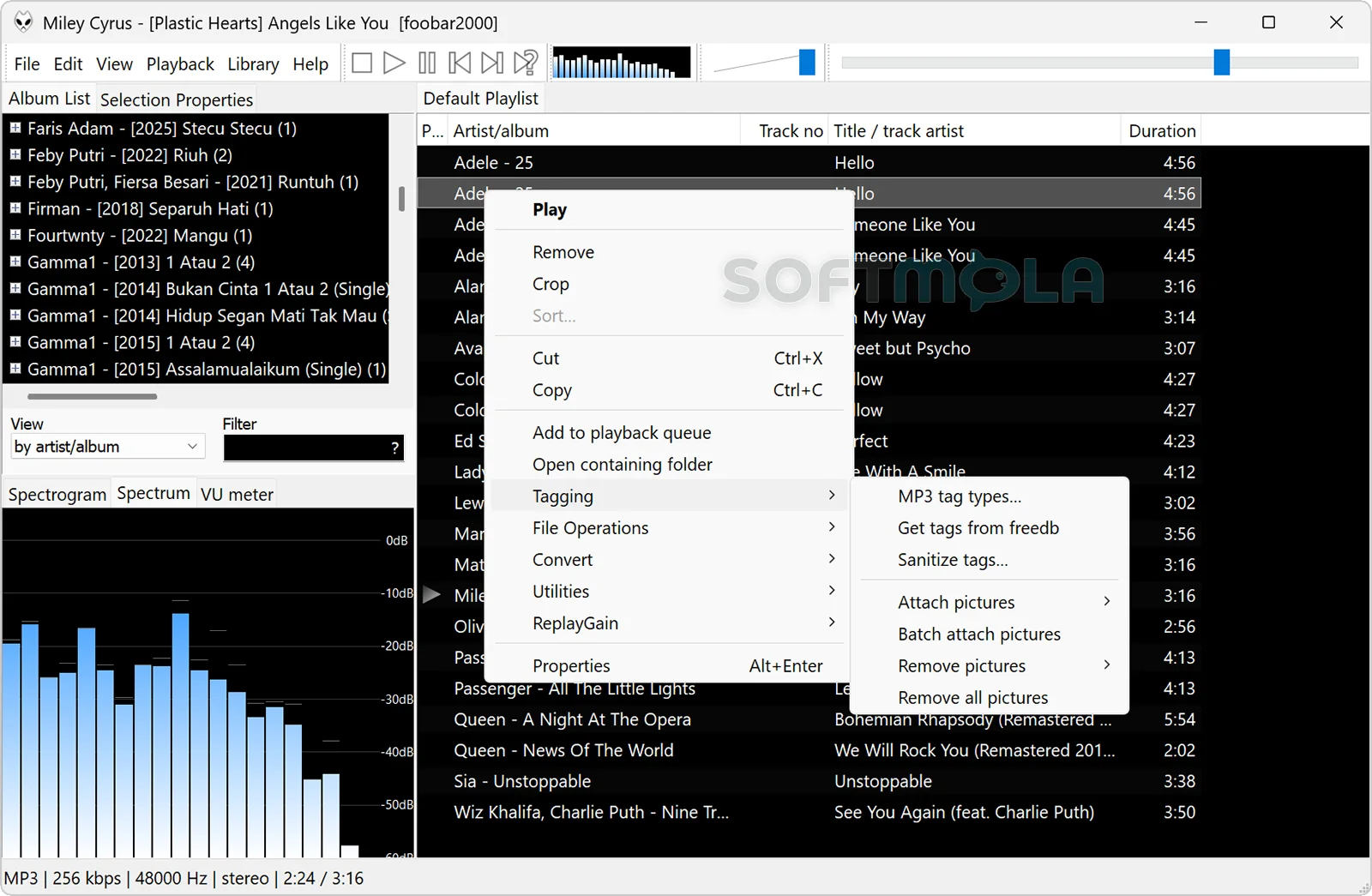
Table of Contents
foobar2000 is a free audio player for Windows built for people who want more control over a local music library than a typical streaming-focused player provides. It combines broad format support, gapless playback, detailed metadata tools, audio conversion, ReplayGain loudness management, and extensive customization without requiring a subscription.
The current stable Windows release is foobar2000 2.25.10, with separate builds for 32-bit, 64-bit, and Windows on ARM. The official system requirements remain unusually accommodating: Windows 7 or newer and reasonably modern PC hardware. A newer 2.26 preview branch is also under development, but the stable build is the more appropriate choice for users who prioritize reliability.
What makes foobar2000 distinctive is not a polished streaming catalogue or an account-based ecosystem. Its strength is managing, playing, organizing, processing, and converting audio that you already own or can access through supported streams. That makes foobar2000 for Windows especially relevant to collectors, headphone listeners, audio enthusiasts, and anyone maintaining a large library of MP3, FLAC, AAC, Opus, or other music files.
foobar2000 Review
foobar2000 has been around long enough to develop a reputation as a highly configurable Windows music player, but the current version is not simply a legacy application kept alive for existing users. Development remains active, and the modern 2.x generation introduced 64-bit and ARM support alongside interface improvements such as dark mode on Windows 10 and Windows 11.
The default experience is deliberately functional. Rather than presenting large recommendation panels or pushing online services, foobar2000 centers on playlists, library browsing, playback controls, metadata, and the user's own audio collection. Its interface can be rearranged and customized, which is one of the program's major advantages but also creates a learning curve. Someone who wants a visually rich player requiring virtually no configuration may find more streamlined alternatives easier to approach. Users who prefer to decide how their library is displayed are more likely to appreciate the flexibility.
Format support is one of its strongest practical qualities. Native playback covers mainstream lossy and lossless formats including MP3, AAC, Apple Lossless, Ogg Vorbis, Opus, FLAC, WavPack, Monkey's Audio, TAK, WAV, AIFF, WMA, AC3, DTS, Matroska/WebM audio, and several others. Audio CDs are supported on Windows, while additional decoder components and an FFmpeg wrapper can expand compatibility further.
That breadth matters most when a library has accumulated over many years. A collection might contain old MP3 purchases, lossless CD rips, newer Opus files, high-resolution FLAC albums, and less common archival formats. Instead of requiring separate players or preliminary conversion, foobar2000 can handle a large proportion of those files in one environment.
Library management goes deeper than simple playback. Advanced tagging is part of the core feature set, and optional components can extend metadata workflows further. The official component repository includes tools for automated tag processing, external tag storage, BPM analysis, MusicBrainz-assisted tagging, and other specialist tasks. This makes the player particularly useful for people who treat metadata as an important part of maintaining an organized collection rather than something they edit only occasionally.
foobar2000 is also unusually capable when music needs to leave the player. Its Converter functionality can transcode supported audio into other formats, while the official Free Encoder Pack supplies compatible encoders for formats such as FLAC, MP3, Opus, Ogg Vorbis, Musepack, and WavPack. Some AAC-related encoding options depend on separate software because of distribution restrictions. This workflow is useful for preparing smaller copies of lossless albums for a portable player, changing codecs for compatibility, or maintaining separate archival and everyday listening libraries.
For playback itself, gapless support and ReplayGain are meaningful advantages. Gapless playback avoids unintended pauses between tracks designed to run continuously, such as live recordings, classical works, or concept albums. ReplayGain can use stored loudness information to reduce distracting volume differences without requiring the underlying music files to be permanently normalized. Both capabilities are included among foobar2000's core features.
Extensibility remains another defining feature. The player uses an open component architecture, and its official repository contains add-ons for additional decoders, DSP processing, visualizations, playback controls, library tools, diagnostics, tagging, and other specialized functions. The repository was still receiving component updates throughout 2026, including new or updated audio-analysis, recording, resampling, and visualization tools.
There is a trade-off. Adding components gives experienced users an impressive amount of control, but it also places more responsibility on the user to decide what is worth installing. Compatibility can matter as well: 64-bit foobar2000 cannot load legacy 32-bit components, although the developer noted when the 64-bit generation launched that most components had already gained compatible builds. A simpler player with a fixed feature set can therefore be preferable for anyone who does not want to think about plug-ins or configuration.
Privacy is refreshingly uncomplicated for a desktop media player. The official site states that foobar2000 has no telemetry or data collection. That does not make every optional third-party component automatically equivalent from a privacy or security perspective, so components should still be selected thoughtfully. For the core application, however, the lack of an account requirement, subscription model, or built-in telemetry is attractive to people who simply want to play and manage local audio.
Overall, foobar2000 remains most compelling for users who value ownership and control of their music collection. It asks for a little more involvement than highly simplified consumer players, but in return it provides a mature combination of playback flexibility, library organization, conversion, audio processing, and extensibility without turning those capabilities into a paid subscription.
Key Features of foobar2000
Broad Audio Format Support
foobar2000 handles a wide range of mainstream formats without additional configuration. Native support includes MP3, AAC, M4A with Apple Lossless, Ogg Vorbis, Opus, FLAC, WavPack, Monkey's Audio, TAK, WAV, AIFF, WMA, AC3, DTS, and several container formats. Windows users can also play Audio CDs directly.
For less common material, additional decoder components are available, while the FFmpeg Decoder Wrapper can extend the Windows player's reach using a user-supplied FFmpeg installation. This makes foobar2000 well suited to libraries containing files collected from different eras and sources.
Gapless Playback and ReplayGain
Native gapless playback is useful whenever track boundaries should not produce silence. Live albums and continuously mixed recordings are obvious examples, but the feature is equally valuable for classical works split into separate tracks.
ReplayGain addresses a different listening problem: inconsistent loudness. foobar2000 can work with ReplayGain information so tracks or albums play at more consistent perceived levels. Users who want more specialized processing can also install compatible ReplayGain-related components from the official repository.
Advanced Music Library and Tagging Tools
foobar2000 provides more control over metadata than basic desktop players. Its built-in tagging capabilities help users edit and maintain information attached to audio files, which becomes increasingly important as a collection grows.
The component ecosystem expands those possibilities considerably. Available add-ons include automated tagging tools, external tag handling, BPM analysis, and MusicBrainz integration. Users with carefully curated collections can therefore build a workflow around consistent artist names, album information, custom fields, or other organizational metadata.
Audio Conversion and CD Support
The Converter gives foobar2000 a useful role beyond listening. Supported source audio can be transcoded into other formats, allowing users to create portable copies, change codecs for device compatibility, or prepare compressed versions of lossless masters. The official Encoder Pack makes common encoding tools easier to integrate with the Converter.
Audio CD support also remains part of the Windows version, and the core feature set includes CD ripping. These functions are increasingly uncommon in mainstream media apps but remain valuable for people still digitizing physical collections.
Customizable Windows Interface
The Windows interface can be customized rather than forcing every user into the same layout. foobar2000 2.x also supports dark mode on Windows 10 and Windows 11, although individual add-on components need appropriate support to integrate fully with it.
Customization is particularly useful on large desktop displays, where listeners may prefer to emphasize playlists, album information, artwork, library views, or technical metadata differently. The downside is that building an elaborate layout takes more effort than using the default arrangement.
Extensible Component Architecture
Components are central to foobar2000's long-term usefulness. Optional modules can add decoders, DSP processing, visualization tools, playback controls, diagnostic functions, tagging workflows, resamplers, statistics, and specialized library features.
The ecosystem is not merely historical. The official repository continued receiving updates in 2026, including components for recording, audio analysis, resampling, DSP processing, and other functions. Users should still install only components they genuinely need and check compatibility with their chosen 32-bit, 64-bit, or ARM build.
Local Network and Internet Radio Playback
Modern foobar2000 extends beyond files stored directly on the PC. Its official feature set includes local-network music streaming, control of compatible network audio players or other foobar2000 instances, and internet radio with Radio Browser integration.
These additions make the application more flexible without changing its core identity. It remains primarily a user-controlled audio player rather than a subscription streaming platform, but it can participate in a broader home listening setup when required.
foobar2000 for Windows is a strong fit for listeners who maintain their own music libraries and want more control than a simplified media player provides. Its broad codec support, gapless playback, ReplayGain, tagging, conversion tools, customizable interface, and active component ecosystem give it unusual depth for free software. The configuration options may be more than casual listeners need, but for collectors and enthusiasts willing to learn the interface, foobar2000 remains a practical and actively maintained way to play and manage music on Windows.
How to Download and Install foobar2000 on Windows
foobar2000 is distributed as a Windows desktop application, with separate stable builds for 32-bit, 64-bit, and ARM systems. The official download page currently lists version 2.25.10 as the stable release, while a newer 2.26 branch is available as a preview. For most users, the stable version is the more appropriate default.
How to Download foobar2000
Select the Download for Windows button on this page.
Continue to the verified foobar2000 download source.
Choose the stable Windows build appropriate for your device: 32-bit, 64-bit, or ARM.
Save the downloaded installer in a folder you can easily find.
Wait until the download has completed before opening the installer.
Avoid substituting an unofficial mirror for the verified download source. The developer explicitly recommends obtaining foobar2000 from its official website.
How to Install foobar2000
Open the foobar2000 installer you downloaded from the verified source.
Choose between a standard installation and portable mode according to how you plan to use the player. Both modes are supported by foobar2000.
Use standard mode if you want normal Windows integration, including support for file associations through the application's shell-integration settings.
Choose portable mode if you prefer a self-contained installation and do not need Windows shell integration.
Review the available installation options and complete the setup.
Open foobar2000 after installation and add or open your music files as needed.
If you are upgrading an existing installation, installing a newer version over an older foobar2000 0.9.x or 1.x installation is designed to preserve existing settings. However, very old third-party components can be incompatible with newer releases, so they may need to be updated or removed if problems occur.
foobar2000 Pros & Cons
- Broad audio format support: foobar2000 handles common lossy and lossless formats and can be extended with additional decoder components when needed.
- Strong library and metadata tools: Its tagging, playlist, and media-library features give users substantial control over large local music collections.
- Useful playback features: Gapless playback and ReplayGain support make it particularly capable for albums, live recordings, and libraries with inconsistent loudness.
- Highly extensible: An active component ecosystem can add decoders, DSP processing, visualizations, tagging tools, and other specialist functions.
- Built - in network audio features: Recent versions can work with UPnP devices and other foobar2000 instances on a local network.
- Free and actively maintained: foobar2000 remains freeware, and the Windows version continues to receive fixes and feature updates. Version 2.25.10 was released on June 26, 2026.
- Customization can add complexity: The flexible interface and large component ecosystem require more configuration than simpler music players, particularly when building an advanced setup.
- Portable mode has limitations: A portable installation does not support Windows shell integration, including the normal file-association controls exposed through foobar2000.
- Older third - party components can cause compatibility problems: The developer recommends updating or removing outdated components if problems appear after upgrading from an old foobar2000 release.
- Architecture matters for some add - ons: Users should check component compatibility when choosing between the available 32-bit, 64-bit, and ARM versions.
Frequently Asked Questions
What is foobar2000?
foobar2000 is a freeware audio player with an emphasis on local music playback, library management, metadata editing, conversion, and customization. It supports a wide selection of audio formats and can be extended through optional components. Unlike a subscription music service, its main purpose is to help users play and manage audio they already have access to on their Windows PC or network.
Is foobar2000 free?
Yes. The developer describes foobar2000 as freeware, and the current Windows release can be downloaded without purchasing a subscription or paid license. Optional components and external tools may have their own terms, so their licensing should be checked separately when building a more specialized setup.
Does foobar2000 work on Windows 11?
Yes. The current desktop version supports Windows 7 or newer, which includes Windows 11. The official Windows download page provides separate 32-bit, 64-bit, and ARM builds of the latest stable release. Some optional components can have stricter requirements than the main application, so check a component's compatibility information before installing it.
Is foobar2000 available for Windows on ARM?
Yes. An ARM version of the current stable foobar2000 release is available from the official Windows download page. The official component repository also identifies ARM-compatible add-ons, and the developer notes that the Windows ARM edition can use 64-bit x86 components through emulation.
Should I download the 32-bit, 64-bit, or ARM version?
Choose the build that matches your Windows device and any components you intend to use. The current stable release is offered in 32-bit, 64-bit, and ARM editions. Most modern x86 Windows PCs use 64-bit Windows, while Windows on ARM devices have a dedicated build. Component compatibility is worth checking before moving an established setup to another architecture.